

When it come to record a tutorial , each of us need to use a screen recording tool that’s why in this post we will list the 10 best one.
When it come to record a tutorial , each of us need to use a screen recording tool that’s why in this post we will list the 10 best one.
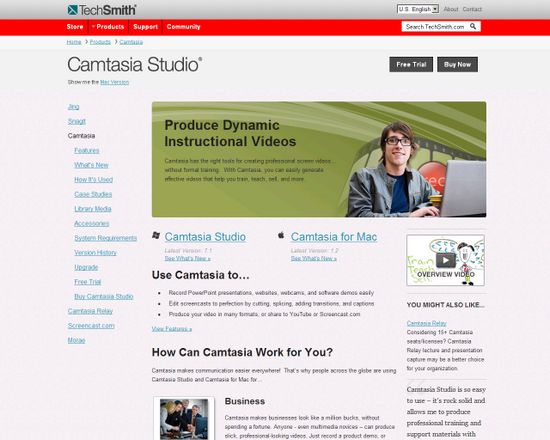
Camtasia Studio
Camtasia has the right tools for creating professional screen videos… without formal training. With Camtasia, you can easily generate effective videos that help you train, teach, sell, and more.
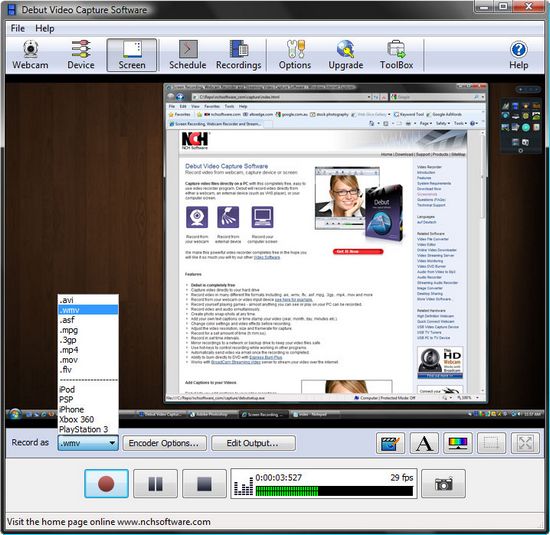
Debut Video Capture Software
Record video from a webcam, recording device or screen. Capture video files on your Mac or PC with this easy video recorder software.
Debut video capture software is designed to be very easy and intuitive to use, giving you the ability to record essentially any video from capturing video from a webcam, your screen, or a video input devices such as a VHS recorder within minutes of downloading.
Features
Capture video directly to your hard drive
Record video in many video file formats including avi, wmv, flv, mpg, 3gp, mp4, mov and more
Capture video from a webcam, network IP camera or a video input device (e.g., VHS recorder)
Screen capture software records the entire screen, a single window or any selected portion
Digital zoom with the mouse scroll wheel, and drag to scroll the recording window
Zoom-to-mouse feature focuses the recording window on the cursor
Mouse highlighting spotlights the location of the cursor
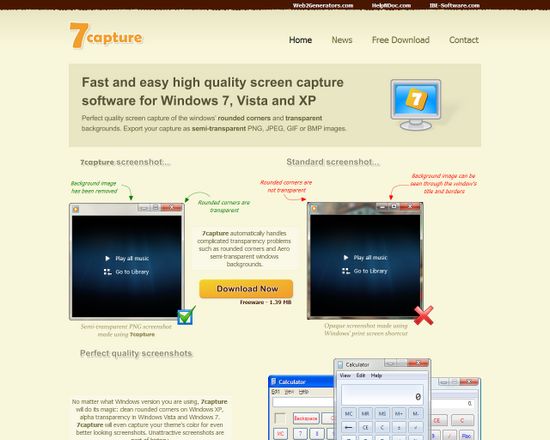
7capture
7capture is a free software: for personal or commercial use, you can use it any way you like on any number of computers. 7capture doesn’t include any spyware, adware or virus. It is just a freeware screen capture software and that’s all there is to it!
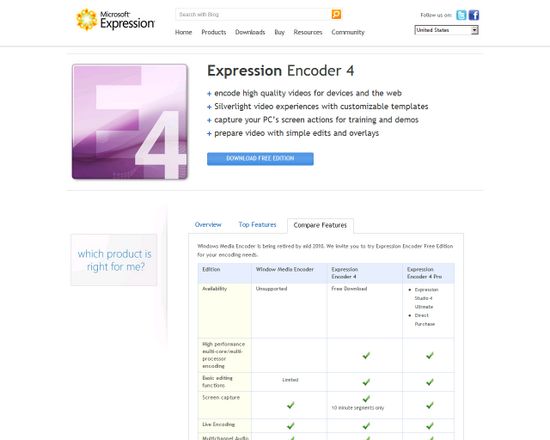
Expression Encoder
Encode a wide array of video file formats, stream live from webcams and camcorders or screen capture your PC. Make simple edits to video files and enhance your media with overlays and advertising. Choose encoding settings, choose from a range of player templates and publish rich media experiences with Microsoft Silverlight.
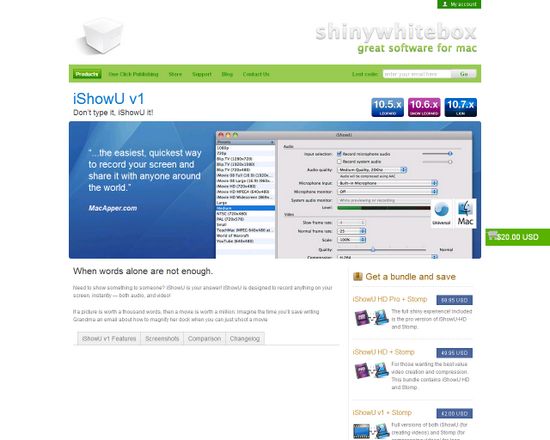
iShowU v1
Need to show something to someone? iShowU is your answer! iShowU is designed to record anything on your screen, instantly — both audio, and video! If a picture is worth a thousand words, then a movie is worth a million. Imagine the time you’ll save writing Grandma an email about how to magnify her dock when you can just shoot a movie.
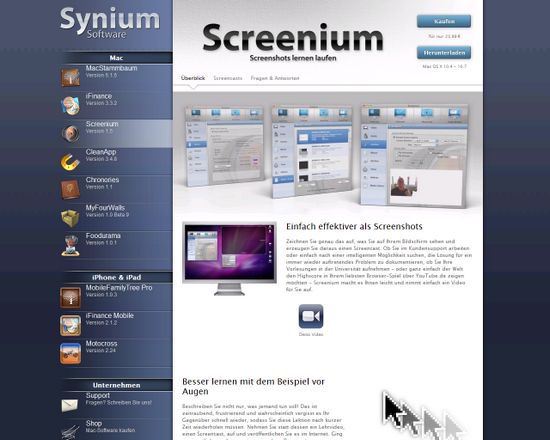
Screenium
Record exactly what you see on your screen and make it a screencast. Whether you’re tech support looking for a smart way of visually documenting the solution to a recurring problem, if you long to capture and distribute your university lectures or plain simply want to show the world your browser game high score via YouTube.com – Screenium will get out of your way and simply capture the video for you.
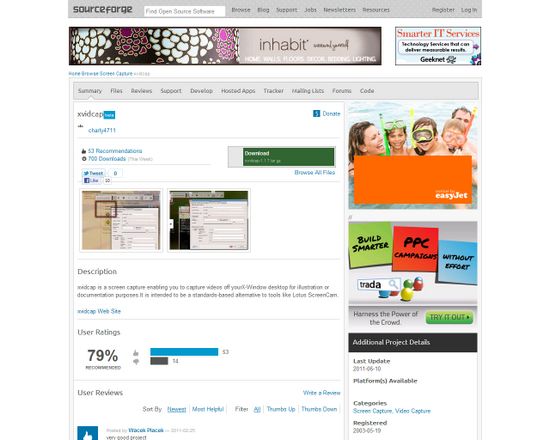
xvidcap
This site is about xvidcap, a small tool to capture things going on on an X-Windows display to either individual frames or an MPEG video. On Windows machines there are commercial tools like Lotus ScreenCam or Camtasia which do a very good job esp. for the purpose I was needing such a tool for: Software documentation, esp. installation procedures and such.
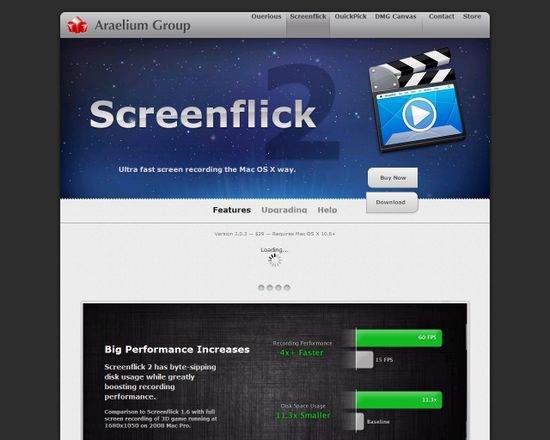
Screenflick
Ultra fast screen recording the Max OS X way.
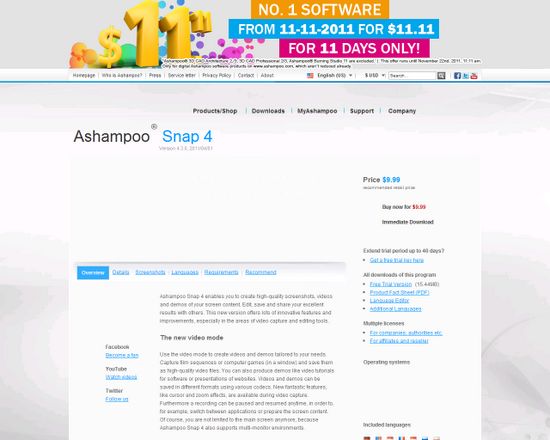
Ashampoo Snap
Ashampoo Snap 4 enables you to create high-quality screenshots, videos and demos of your screen content. Edit, save and share your excellent results with others. This new version offers lots of innovative features and improvements, especially in the areas of video capture and editing tools.
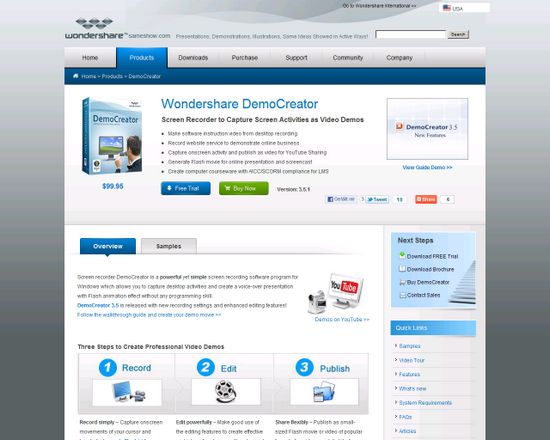
DemoCreator
Screen recorder DemoCreator is a powerful yet simple screen recording software program for Windows which allows you to capture desktop activities and create a voice-over presentation with Flash animation effect without any programming skill.

Camtasia is too expensive for most users. Instead, try My Screen Recorder. My Screen Recorder is one of the best screen recording software. It records your screen and audio from the speakers or your voice from the microphone – or both simultaneously. The recordings are clear and look great when played back on your website, uploaded to YouTube or used in your presentation. One thing often overlooked – It will record directly to standard compressed format that works with any video editor or any tool, no conversion required. And, the file sizes are small, making them easy to upload or distribute.
http://www.deskshare.com/screen-recorder.aspx
Hi, admin, I stumbled upon this post, it’s absolutely helpful. I’d also recommend Acethinker Screen Recorder which I have been using for many years. It is an online tool that lets you record your screen right from the browser. You don’t have to install any additional plug-ins or add-ons. You may add it to the list as well.