
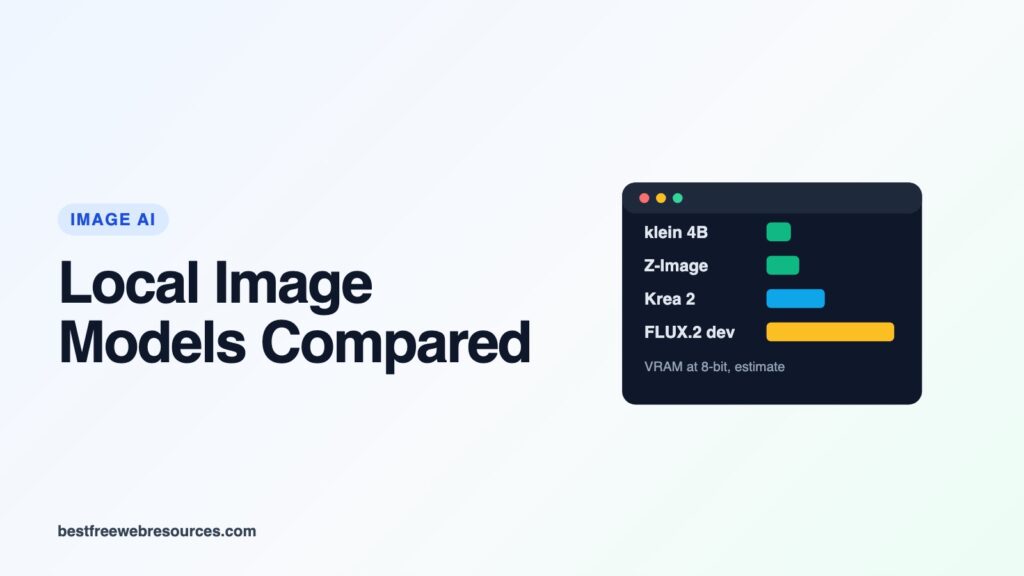
There are more open image generation models worth running locally in 2026 than ever, and they differ far more in memory and licence than in the basics. Some are free for any use, some only below a revenue threshold, and some are research-only. Some fit an 8GB graphics card; one needs more than 100GB at full precision.
This guide compares 15 models side by side on those two things, using the same data as our image model directory. It does not rank image quality: BFWR has not generated images with these models, and quality depends heavily on what you make. Memory figures are our calculated estimates, labelled as such; licence summaries are readings of each licence, not legal advice.
Quick answer
- Free for commercial use, modest memory: Z-Image-Turbo, MOSS-Image and FLUX.2 [klein] 4B, all Apache 2.0, and each runs at 1 megapixel in about 7 to 9GB with 8-bit weights and the text encoder offloaded.
- Commercial use under a revenue limit: FLUX.3 Image Klein (outputs, under US$5M), Krea 2 and Stable Diffusion 3.5 (under US$1M).
- Not for commercial use: FLUX.1 [dev], FLUX.2 [dev] and [klein] 9B (non-commercial licences) and Qwen-Image 2.1 (research and evaluation only).
- Most downloaded in ComfyUI this month: Qwen-Image 2.1 and Z-Image-Turbo.
The comparison
Memory columns are our estimates at 1024×1024, from the formula behind our image generation VRAM calculator: weights at each precision plus an activation allowance. “8-bit, encoder offloaded” is the setup most people use in ComfyUI on a consumer card. “Lowest” is the cheapest combination of 4-bit weights and offloading, which costs speed.
| Model | Params | Licence | Commercial use | BF16, all in VRAM | 8-bit, encoder offloaded | Lowest |
|---|---|---|---|---|---|---|
| FLUX.2 [klein] 4B | 3.9B | Apache 2.0 | Yes | 18.8 GB | 6.8 GB | 5.3 GB |
| MOSS-Image | 5.1B | Apache 2.0 | Yes | 30.0 GB | 8.1 GB | 6.1 GB |
| Z-Image-Turbo | 6.2B | Apache 2.0 | Yes | 23.3 GB | 9.1 GB | 6.7 GB |
| FLUX.1 [schnell] | 11.9B | Apache 2.0 | Yes | 36.5 GB | 14.9 GB | 9.9 GB |
| Qwen-Image (1.0) | 20.4B | Apache 2.0 | Yes | 60.7 GB | 23.7 GB | 15.3 GB |
| FLUX.3 Image Klein | 5.6B | FLUX Kommunity | Outputs, under US$5M revenue | 23.1 GB | 8.7 GB | 6.5 GB |
| Krea 2 | 12.8B | Krea 2 Community | Under US$1M revenue | 38.2 GB | 16.2 GB | 10.7 GB |
| SD 3.5 Medium | 2.5B | Stability Community | Under US$1M revenue | 19.1 GB | 5.2 GB | 4.2 GB |
| SD 3.5 Large | 8.2B | Stability Community | Under US$1M revenue | 30.6 GB | 11.0 GB | 7.8 GB |
| SDXL | 2.6B | OpenRAIL++ | Yes, with use restrictions | 9.2 GB | 5.0 GB | 3.8 GB |
| SD 1.5 | 0.9B | CreativeML OpenRAIL-M | Yes, with use restrictions | 4.2 GB | 3.1 GB | 2.6 GB |
| FLUX.1 [dev] | 11.9B | FLUX.1 [dev] Non-Commercial | No | 36.5 GB | 14.9 GB | 9.9 GB |
| FLUX.2 [klein] 9B | 9.1B | FLUX Non-Commercial | No | 37.5 GB | 12.1 GB | 8.4 GB |
| FLUX.2 [dev] | 32.2B | FLUX [dev] Non-Commercial | No | 115.6 GB | 35.4 GB | 22.5 GB |
| Qwen-Image 2.1 | 7.1B | Qwen Research License | No (research and evaluation) | 35.5 GB | 10.8 GB | 8.0 GB |
Each model has its own page in our directory with every precision and offload mode. These are planning figures: the activation allowance is approximate, and for FLUX.3 Image Klein, Black Forest Labs’ own measurement at BF16 (31GB on a B200 with its reference code) is higher than our estimate.
Why the “all in VRAM” column is so high
The image model is often not the largest file. Many 2026 models pair a small image transformer with a large language model as their text encoder, and at full precision the encoder can outweigh everything else:
- FLUX.2 [dev]’s text encoder is 48GB at BF16, more than the whole of FLUX.1 [dev] (about 34GB including its encoder).
- Qwen-Image 2.1’s encoder is 17.5GB against a 14.2GB image model.
- MOSS-Image’s is 16.8GB against a 10.2GB image model.
The encoder runs once per prompt, so ComfyUI can keep it in system memory and move it in when needed. That is why the “encoder offloaded” column is so much lower, and why 32GB or more of system RAM matters as much as graphics memory for these models.
The licences, grouped
Apache 2.0 (Z-Image-Turbo, MOSS-Image, FLUX.2 [klein] 4B, FLUX.1 [schnell], Qwen-Image 1.0) allows commercial use with no revenue limit, content-filter clause or naming rule. Community LoRAs and merges built on them carry whatever licence their authors chose.
Revenue thresholds. FLUX.3 Image Klein’s FLUX Kommunity License lets organisations under US$5M in annual revenue use its outputs commercially, with output filtering and AI disclosure. Krea 2’s licence allows commercial use of the model, derivatives or outputs only under US$1M in annual revenue, requires content filtering for everyone, and can be ended by Krea on 30 days’ notice. The Stability Community License for SD 3.5 likewise sets US$1M. Our guides to FLUX.3 Image Klein and Krea 2 cover those terms.
OpenRAIL licences (SD 1.5, SDXL) allow commercial use but carry use-based restrictions on what you may generate.
Non-commercial and research-only. FLUX.1 [dev], FLUX.2 [dev] and FLUX.2 [klein] 9B are under Black Forest Labs’ non-commercial licences; our Flux licence guide explains what that means for images and LoRAs. Qwen-Image 2.1’s licence is “FOR NON-COMMERCIAL PURPOSES ONLY”, defined as research or evaluation, even though Qwen-Image 1.0 was Apache 2.0; see our Qwen-Image 2.1 guide.
What people are actually downloading
Downloads of Comfy-Org’s repackaged files on Hugging Face over the past 30 days, read on 18 October 2026, are a rough guide to what ComfyUI users run. They count file downloads, not people, and models whose ComfyUI files are hosted elsewhere are not comparable.
| Model (Comfy-Org repository) | Downloads, 30 days |
|---|---|
| Qwen-Image 2.1 | 11.4 million |
| Z-Image-Turbo | 9.2 million |
| Krea 2 | 3.4 million |
| Qwen-Image 1.0 | 2.5 million |
| FLUX.2 [dev] | 1.2 million |
| FLUX.1 [dev] | 1.0 million |
| MOSS-Image (released 11 October) | 0.35 million |
The two most popular are a research-only model and an Apache 2.0 one. If you plan to sell your images, the second matters more than the first’s popularity.
Picks by graphics card
Based on the “8-bit, encoder offloaded” estimates above, leaving headroom:
- 8GB: FLUX.2 [klein] 4B, SDXL, SD 3.5 Medium, and MOSS-Image or Z-Image-Turbo with 4-bit weights. For commercial use, klein 4B or Z-Image-Turbo.
- 12GB: Z-Image-Turbo, MOSS-Image and FLUX.3 Image Klein at 8-bit. SD 3.5 Large (11.0GB) and Qwen-Image 2.1 (10.8GB, research and evaluation only) fit with little to spare.
- 16GB: all of the above with more room, plus FLUX.1 at 8-bit (14.9GB). Krea 2 at 8-bit is just over (16.2GB), so use 4-bit weights for it.
- 24GB: Krea 2 comfortably, and higher resolutions for everything else. Qwen-Image 1.0 at 8-bit only just fits (23.7GB), and FLUX.2 [dev] needs 4-bit weights to get to about 22.5GB.
Our guide to running image models locally covers installing ComfyUI, and the Z-Image-Turbo and MOSS-Image guides cover two of the Apache 2.0 options in detail.
FAQ
What is the best local image model for commercial use?
Among current models, the Apache 2.0 ones have no conditions: Z-Image-Turbo, MOSS-Image and FLUX.2 [klein] 4B. Which looks best depends on what you make, so try two or three on your own prompts.
Which image model needs the least VRAM?
Of the models released since 2025, FLUX.2 [klein] 4B, at about 5.3GB with 4-bit weights by our estimate. SD 3.5 Medium, SDXL and SD 1.5 need less, but are older designs.
Can I sell images made with FLUX.1 [dev]?
The licence treats outputs separately from the model, but generating images as paid work is outside its non-commercial grant. Our Flux licence guide goes through the wording.
Why does Qwen-Image 2.1 need so much memory if it is only 7B?
Its text encoder, Qwen3-VL 8B, is larger than the image model. Offloading the encoder brings it down to about 11GB at 8-bit by our estimate.
Related guides and tools
- ComfyUI hub
- Matching LoRAs to their base model
- AI upscale models and ControlNet models
- Stable Diffusion Prompts
Sources
- BFWR’s image model directory, whose component sizes are read from each model’s safetensors files on Hugging Face
- Licence texts as linked from each model’s guide, including the Krea 2 Community License and Qwen Research License
- Comfy-Org on Hugging Face (download counts)
Updated 18 October 2026. Memory figures are estimates, not measurements; download counts and licences were read on that date.
Work out what your hardware can actually run
Free calculators and directories, sized from real model weights — before you download gigabytes or order a card:
