
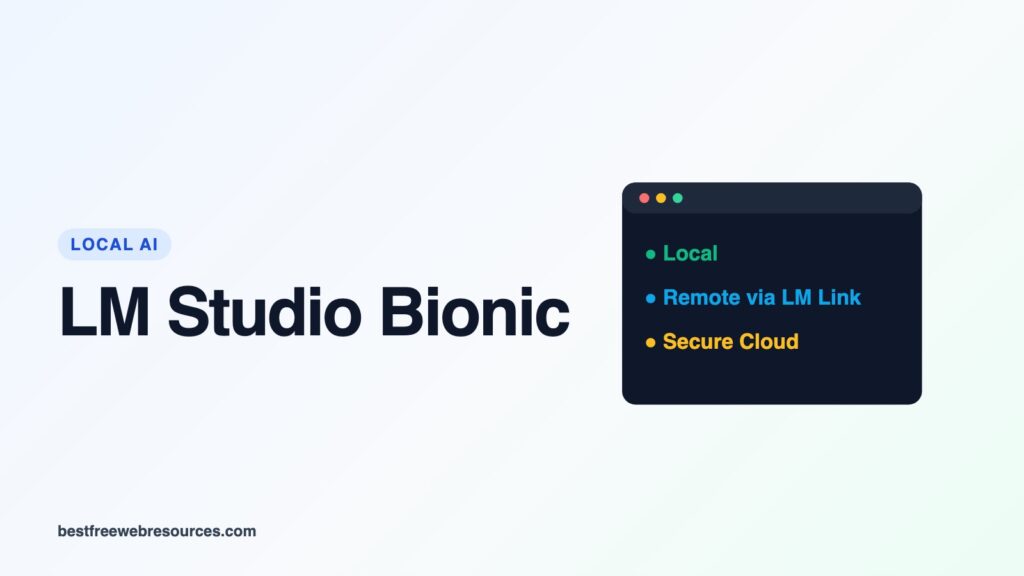
LM Studio Bionic is LM Studio’s AI agent: an app that can work through a codebase, edit documents and research a topic, using open models. It launched on 16 July 2026 as a separate app from LM Studio, and its free plan runs models on your own hardware. Whether your work stays on your machine depends on where each session’s model runs, and on two details in the documentation that are easy to miss. This guide covers what Bionic does, what each plan includes, what stays local, and how to use it safely.
Quick answer
- What it is: an agent app for coding, research and documents, built on the LM Studio runtime. It is separate from LM Studio, which you can keep using alongside it.
- Cost: free for local models. Bionic+ ($20 a month) and Pro ($100 a month) add hosted open models such as Kimi K3, GLM 5.3 and DeepSeek V4 Flash.
- Privacy: local sessions stay on your machine. Cloud sessions run in LM Studio’s US-hosted “Secure Cloud” under a zero-data-retention commitment.
- Two cautions: with coding enabled, Bionic can run shell commands in the folder you give it, and when it edits an attached “external” file it changes the original.
What Bionic does
Bionic organises work into projects (a shared folder, files and context) and sessions (separate tasks inside a project). Sessions keep running in the background while you work elsewhere. LM Studio’s launch post describes it as “the AI agent for getting real work done with open models, including coding, research, and complex work with documents and files.”
- Code projects: point Bionic at a local folder and switch on Allow coding. It indexes the folder and shows changes as inline diffs.
- Work projects: documents, spreadsheets, presentations, PDFs and images, with in-app previews, automatic checkpoints for rolling back, and optional web search.
- Voice keyboard: dictation transcribed locally by Mistral’s Voxtral model, which can type into any app.
Where the model runs: local, remote or cloud
Each session uses one of three kinds of model, chosen in the session’s model picker:
| Option | Where inference happens | Needs |
|---|---|---|
| Local | Your computer, via LM Studio’s runtime (llama.cpp or MLX) | A downloaded model that fits your memory |
| Remote | Another of your devices, through LM Link | That device online and sharing its models |
| Cloud | LM Studio Secure Cloud (US-hosted) | An account, billing and credits |
LM Link is LM Studio’s way of using a powerful machine from a lighter one. Its documentation describes links as “custom made, end-to-end encrypted networks intended for loading and serving LLMs across devices you own, made possible in partnership with Tailscale.” With a remote model, LM Studio says the conversation stays on the device you are typing on while the other machine does the inference.
A local model has to fit your hardware, and agent work benefits from capable models. Our VRAM Calculator and the LM Studio model list show what fits, and llmfit can rank models against your machine. The cloud models Bionic offers are far larger: GLM-5.3-Flash, for example, needs about 160GB for a 4-bit local build.
Plans and pricing
From LM Studio’s pricing page, checked 14 October 2026:
| Plan | Price | Includes |
|---|---|---|
| Free | $0 | Bionic agent, local models with llama.cpp and MLX, offline voice transcription, LM Link for up to 5 devices, limited web search |
| Bionic+ | $20 a month | Everything in Free, plus US-hosted open models (Kimi K3, GLM 5.3, DeepSeek V4 Flash and more), discounted bulk tokens, web search and page extraction |
| Pro | $100 a month | Everything in Bionic+, with 5× the usage limits and early access to new features |
Usage beyond a plan’s allowance is paid with cloud credits. In the documentation, cloud models are the option that needs a signed-in account with billing set up.
What stays private
LM Studio’s privacy policy says the app “does not include telemetry or user-specific tracking”, and that it contacts LM Studio when you search for or download a model and when it checks for updates. For cloud features, it says requests are processed transiently and “not retained after the request completes”, and that this processing “applies if and only if you purchase cloud features AND you choose to use the feature(s).”
Web search is also covered by zero data retention, but the pricing page adds a sensible warning: “querying and processing data from the web always carries its own privacy and security risks.” Web pages can contain instructions aimed at the agent, so treat web search as untrusted input. Our local LLM security guide explains why containment beats filtering.
Using it safely
Coding mode can run commands
With Allow coding on, the documentation says Bionic “can search the repository, edit files, use Git, and run shell commands in the selected working directory.” The changelog refers to approval prompts, and LM Studio’s own advice is an inspect, change, test loop: ask Bionic to explain the code first, confirm the change, let it edit, run focused tests, and “Review the inline diffs and your Git diff.” Practically, that means only pointing it at folders under version control, so any change can be undone with Git.
External files are edited in place
The launch post says Work projects process documents “in a sandboxed environment, keeping the rest of your computer and files safe.” The documentation adds a distinction worth knowing. Project files are copies managed by the project. External files stay where they are, and “When Bionic edits an external file, the change is made directly to that original file.” Bionic’s checkpoints help, but keep a backup of anything important you attach as an external file.
Bionic and LM Studio together
You do not have to choose. LM Studio’s changelog says the two can run side by side: Bionic “uses LM Studio for local model inference while LM Studio is running”, which requires LM Studio 0.4.26 or newer. LM Studio remains the place for low-level model settings and its local API server; Bionic is the agent on top. For a comparison of LM Studio with Ollama and other runners, see our local LLM runner guide.
LM Studio’s software is free to use but not open source: its terms of use describe the source code as confidential trade secrets and grant a licence “solely for Your personal and / or internal business purposes”, so using it at work is fine, but reselling it or offering it as a hosted service is not. If you want an open-source coding agent instead, our guide to local AI pair programming tools covers Cline, Continue and goose.
FAQ
Is LM Studio Bionic free?
Yes, for local models. The free plan includes the agent, local models, offline voice and LM Link for up to five devices. Cloud models need a paid plan or credits.
Does LM Studio Bionic work offline?
With local models, yes: inference and voice transcription run on your device. Cloud models and web search need an internet connection.
Is Bionic a replacement for LM Studio?
No. It is a separate app for agent work. LM Studio is still the tool for configuring models and running its API server, and Bionic can use it for local inference.
Related guides
Sources
- LM Studio: Introducing LM Studio Bionic (16 July 2026), Bionic documentation, pricing, changelog (Bionic 1.1.8)
- LM Studio: privacy policy, terms of use, LM Link
Updated 14 October 2026. Plans, prices and features read from LM Studio’s own pages on that date; they change often. BFWR has not run Bionic on its own hardware.
Work out what your hardware can actually run
Free calculators and directories, sized from real model weights — before you download gigabytes or order a card:
