

Cascading Style Sheets (CSS) is the most widely used web technology that is used to color up the web. It provides meaning to the HTML and XHTML.
When it comes to editing the web, one can get hold of an array of free or paid tools. Both Free or Paid Tools provide flexibility in terms in functionality and ease of usability. Today, we will go through 10 of the free CSS editors out there.
The free CSS Editors offers array of feature set like instantaneous change in the code and the desired result can also be viewed. The small changes makeup for the big ones in the template and helps the designers to gauge the affects the small changes will make to the whole theme.
With the help of free CSS editors, the designer can build the whole design from scratch and iterate the whole design improving it over a span of time.
Let’s now move the journey to wild 10 free CSS Editors:
1. Notepad ++
The classic notepad we all know which was introduced with the first Windows 1.0 back in 1985 and was built in the operating system. Since then we came a long way, with Notepad ++ it became the replacement for the notepad from being a simple text editor to a free source code editor with multiple language feature and providing various plugin support. The best thing about Notepad ++ is its free. The editor is written in C++ and based on the powerful editing component named Scintilla. Notepad ++ uses pure Win32 API and STL which helps to shorten the execution time and smaller program size.

2. Stylizer
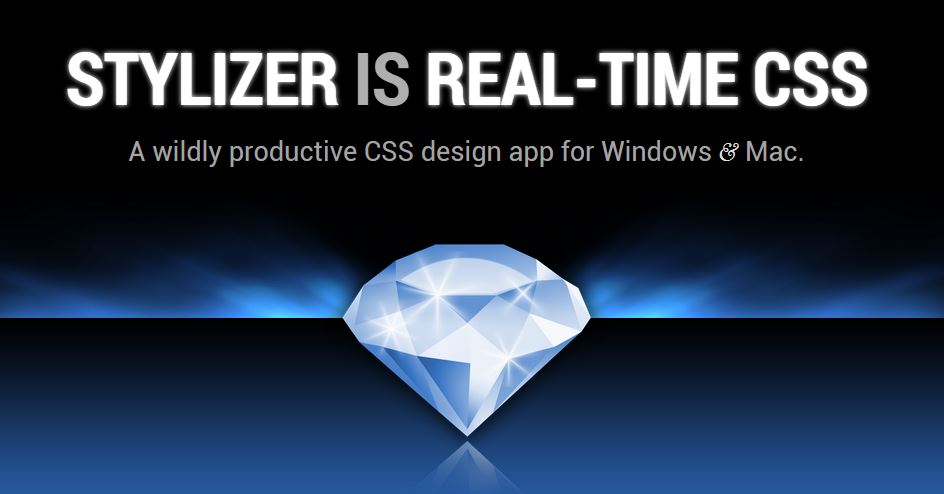
Stylizer is one of the unique CSS editor which focuses on real-time CSS editing. It comes with a feature named Code Grid which makes your CSS editing more efficient as you can see the result immediately after u changed some values. With stylizer its really impossible to make mistakes as it will restrict you, when you are writing a value which is not compatible with corresponding CSS property.
3. Sublime Text
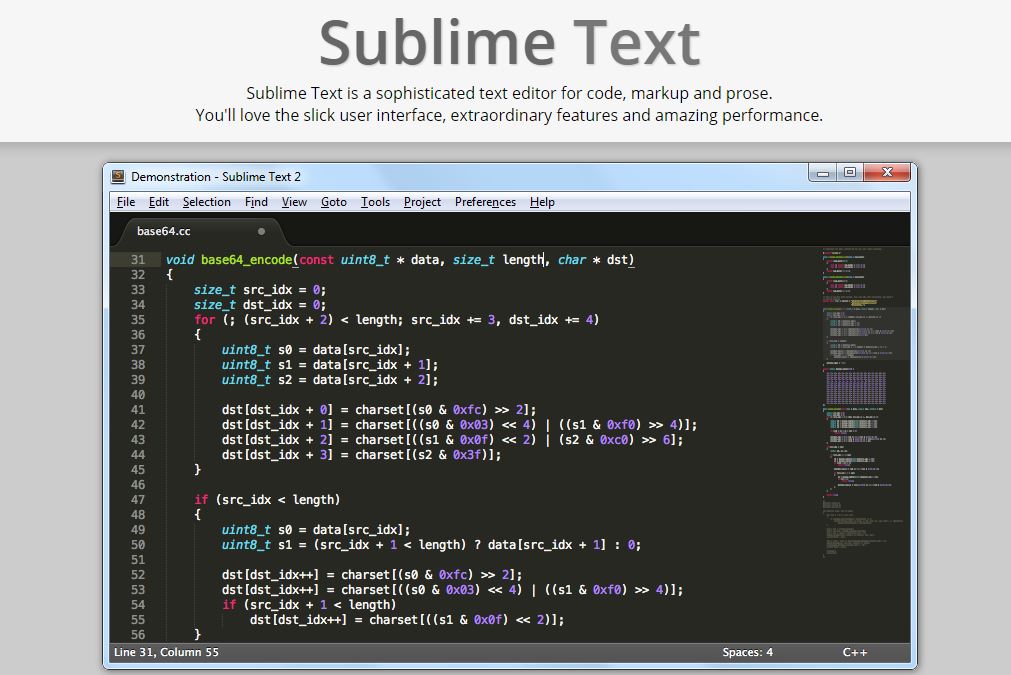
Sublime Text is one the best and popular editor in the web development currently. Its still in beta stages but it offers great deal of features in editing codes, whether its CSS, HTML or Javascript. Give it a try, you will love the amazing performance it will offer, the interactive interface and a sleek design completes the editor in all ways.
4. Amaya
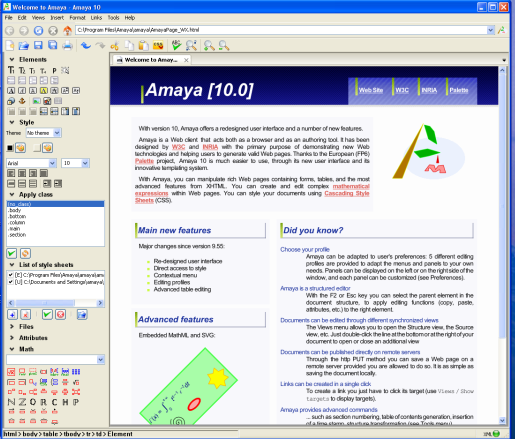
Amaya is one of the best CSS editor when it comes to open source. Its a web based CSS editor which is mostly used to create and update documents over the web. It started as a HTML and CSS Stylesheet editor but currently it also supports XHTML, MathML and SVG. Amaya is written in C and available on Windows, MacOS X and Linux.
5. TopStyle 5
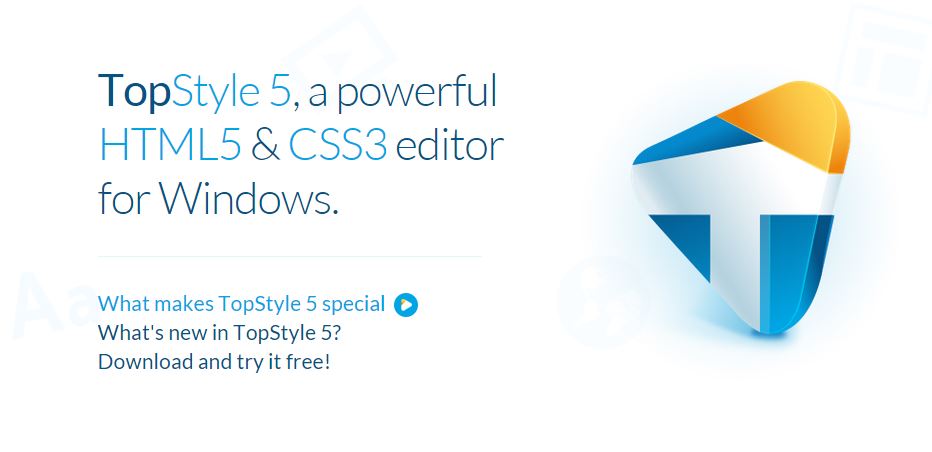
TopStyle 5 is new in the market but a very efficient HTML5 and CSS3 editor for windows. When you are configuring it for the first time it will give you options to choose a style definition that will show you only the values and properties supported by either Firefox, Internet Explorer, Safari or even Iphone OS. TopStyle 5 supports all the newest version of core standards which gives us modern web experience and you will get access to all the tags, properties and assistance of built in tools like Insight, Inspectors, Validators.
Stylesheet Maker creates CSS stylesheets for any web browser. The program supports dynamic HTML Snippets and it includes the Class and ID wizards to create your own HTML tags. Stylesheet Maker also helps you to make semantically correct stylesheets that will work in all browsers.

7. Style Master
Style Master as a CSS editor is good for any level of expertise. Its a leading cross platform CSS development tool which more than a simple text editor. It provides WYSIWYG editor which is a great help for newbies and it also gives you detail information about every CSS property for experienced coders. The editor also comes with 20 useful CSS stylesheet template to start with.

8. Rapid CSS
Rapid CSS gives you a CSS editor which is convenient and comfortable to use and on other hard compatible for complex CSS editing. The text editor of Rapid CSS is fully customizable with features like code completion, syntax highlighting and built in CSS codes for trouble-free code experience.

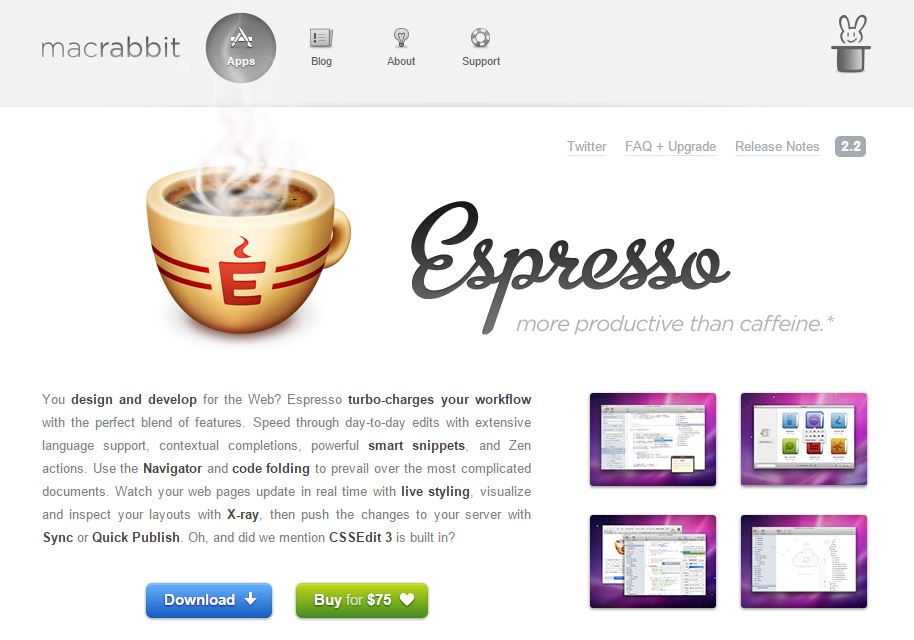
9. Espresso
Espresso from Macrabbit was formerly CSS Edit, which is beautifully designed, fast loading and innovative website with a fast and innovative app. Espresso will turbo charge your workflow with the perfect blend of features. Most of the important features are extensive language support, powerful smart snippets, contextual completions and Zen actions.
10. Free CSS Toolbox
Free CSS Toolbox is a freeware software for web developers who works mostly with CSS codes. CSS Formatter and CSS Validator tools are included in Free CSS Toolbox which will help you help you enhancing the development of stylesheet code. The software will help you save your time and increase productivity without any extra cost if your website is dealing with lots of CSS codes.

Work out what your hardware can actually run
Free calculators and directories, sized from real model weights — before you download gigabytes or order a card:
I suggest to look at Codelobster: codelobster.com