
With plenty of apps available, one wonders what are some of the best photo viewers for Windows 10. Also, too many cooks spoil the broth. With the advent of Windows 10, there are even more applications in the market. Hence, it is necessary that a Windows 10 user finds the requirement and opts for a suitable application.
The Windows 10 is often uncanny in many operations. Besides, in the earlier days, there were limited options for photo viewing apps. Hence, most of the users had to opt for the traditional Photo Viewer application for Windows. Also, there is an infinitude of the ocean to choose from! Let us have a look at them and find out more! Also read, How to Set up Voicemail on iPhone.

Also, read about How to Check RAM Speed on Windows & Mac OS
Some of the Best Photo Viewers on Windows 10
1. Microsoft Photos
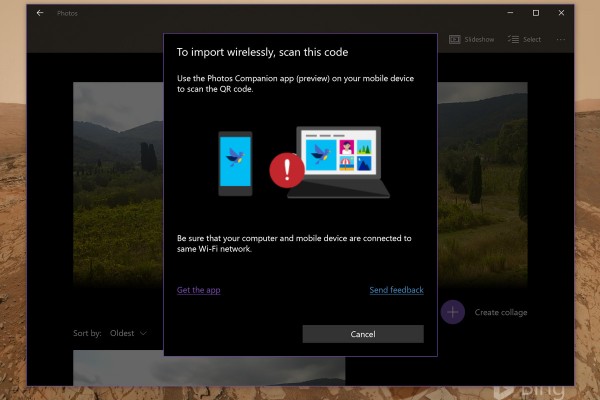
The Microsoft Photos is one of the most sought photo viewing apps on the Windows platform. It is easily the most downloaded photo viewing app on the Windows Store as well. Besides, it offers plenty for amateurs as well as professionals.
The pros:
- An easy-to-use Interface which is perfect even for the beginners
- The clicks can be easily managed without much fuss.
- An option to import pictures from various sources such as pen drives, phones and hard disks.
- You can easily share these pictures on various platforms from the software.
The cons:
- Frequent technical glitches
- The application often crashes in the middle of running.
- There are performance-based user complaints too.
2. Google Photos
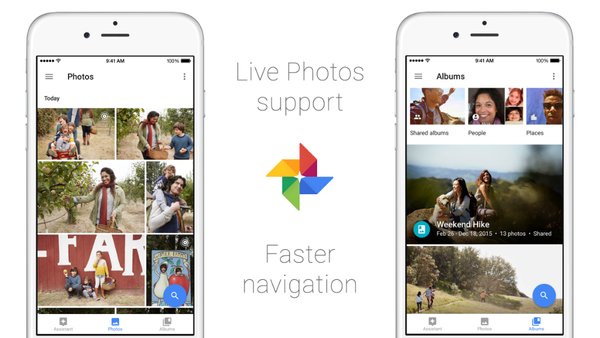
Google Photos is becoming a popular photo viewing application even for Windows users now. Also, it enables picture synchronisation across all your devices. Besides, this app is free for all users.
The pros:
- Its UI is one of the best there in the market.
- PNG, JPEG and umpteen other image formats are supported.
- Sync your videos and clicks seamlessly across devices.
- The pictures follow cloud storage. Hence, you can save a hefty amount of space on your phone.
The cons:
- There is no special software by the name of Google Photos. You have to log in to Google.
- Also, for uploading photos, there must be seamless internet available on the go.
3. Apowersoft Photo Viewer
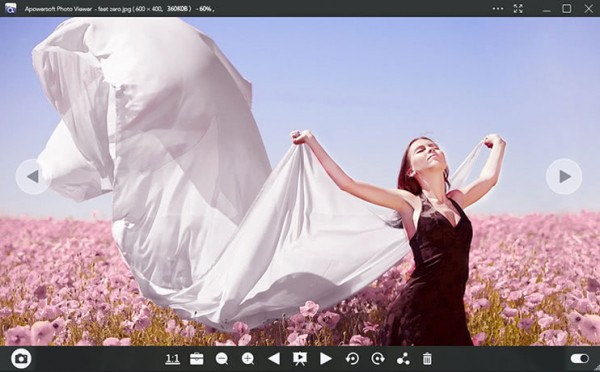
Besides, Apowersoft offers another popular and free software for viewing photos. Also, it is pretty versatile and offers a lot to users. Moreover, it is pretty handy too.
The pros:
- It has an editing base pre-installed. Hence, you can simultaneously save and edit all your pictures.
- There is an ingrained snapshot tool available as well. It is pretty handy.
- You can alter the image format of your photos. Meaning that it is easy to convert your photos from one format to the other in this app itself.
The cons:
- You cannot add multiple images at a go.
- You must load the pictures each time you open.
4. Movavi Photo Manager
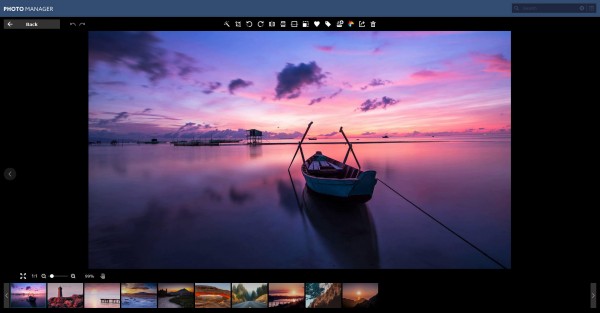
Besides, this app is a paid one. Usually, it costs around 8 USD to buy this software. However, it houses many features which will stun you.
The pros:
- The UI is splendid and offers a lot more than the contemporaries.
- It comes with an in-built search tab.
- There are basic editing tools as well.
The cons:
- There are a few technical glitches that affect its performance.
- Many users prefer free apps.
5. 123 Photo Viewer

The 123 Photo Viewer is free to use. It comes with many handy features as well. Besides, it is easy-to-use software.
The pros:
- The UI is one of the best.
- Also, you can edit your pictures with several effects too.
- You can convert the image format from one to another.
The cons:
- Many users will be disappointed by the looks of the app.
- There is some glitch in folder detection.
Which is the best app among these?
Well, each users’ requirements differ from one another. Hence, you have to choose your requirements wisely and then opt for a suitable app. Each of these apps has its pros and cons. However, you have to decide.
Read Next, Meaning of Each and Every Airport Signs.
Work out what your hardware can actually run
Free calculators and directories, sized from real model weights — before you download gigabytes or order a card: