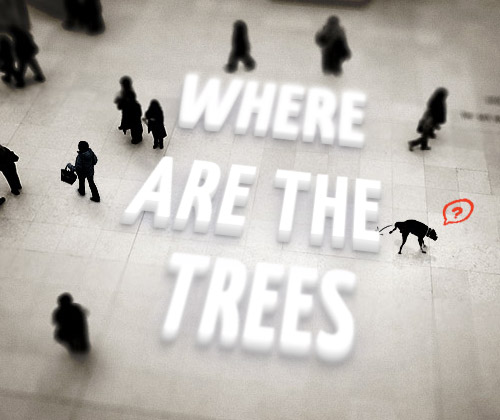
CSS3 new possibilities have brought revolution in web development. The CSS3 properties have given web developers a great opportunity to enhance their design in a quick and easy way. Today , We are featuring today, 10 Cool And Fresh CSS3 Text Effects Tutorials that will surely enhance your CSS skills.
How To Create a Stylish Drop Cap Effect with CSS3
The design we’ll be creating features a large drop cap at the start of a block of text.
Text Effects using CSS3
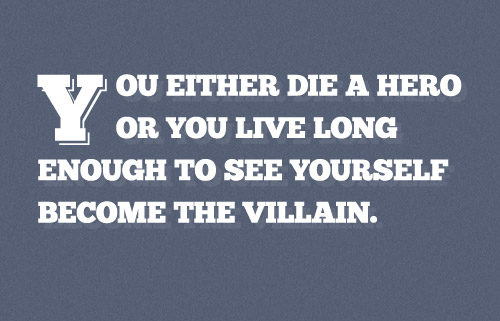
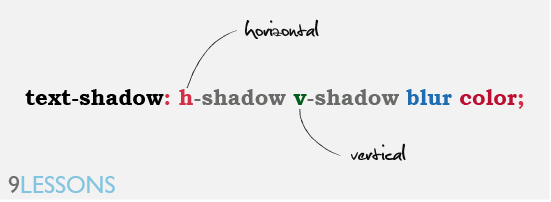
This post is explains how to create Photoshop style 3D text effects using CSS3 text-shadow and @font-face property
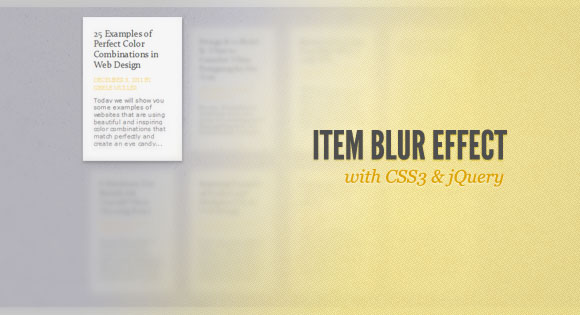
Item Blur Effect with CSS3 and jQuery
We’ll be using CSS3 transitions and some jQuery to apply the respective classes. Since CSS3 transitions are not supported in order browsers, the demo should be best viewed in Safari or Chrome (here we got the smoothest transitions).
Create Attractive Web Typography with CSS3 and Lettering.js
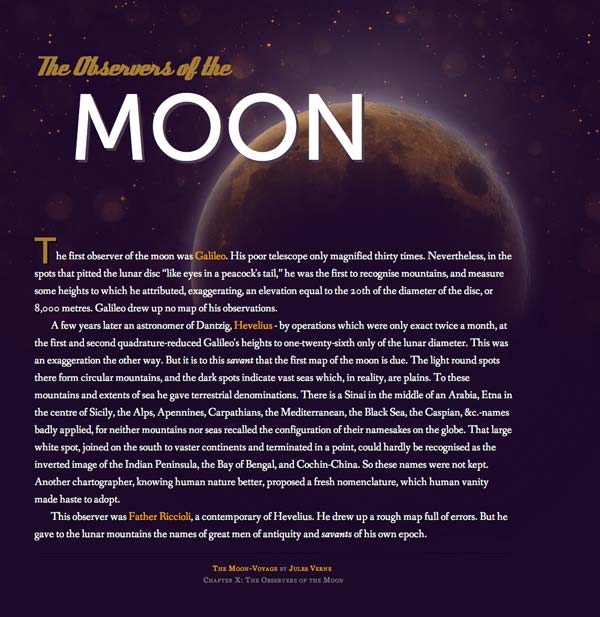
In this tutorial, we’ll look at how to take basic markup and transform it into an attractive typographical design using only minimum images, pure CSS3 magic and we will spice things up with lettering.js – a jQuery plugin for radical Web Typography. To make things a bit interesting and less boring, instead of just using meaningless placeholder text I will use text from Jules Verne’s “Moon-Voyage” book, chapter X. The Observers of the Moon. So, let’s get started.
Create 3D Text Using CSS3
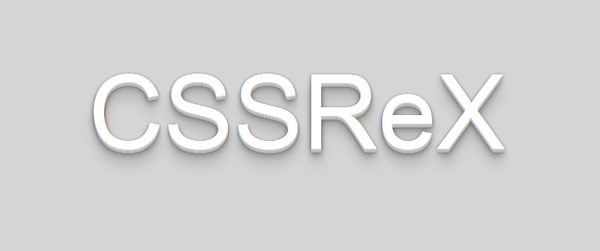
Learn how we create 3D text using CSS3 text-shadow to heading and paragraph tags.
3D CSS Shadow Text Tutorial
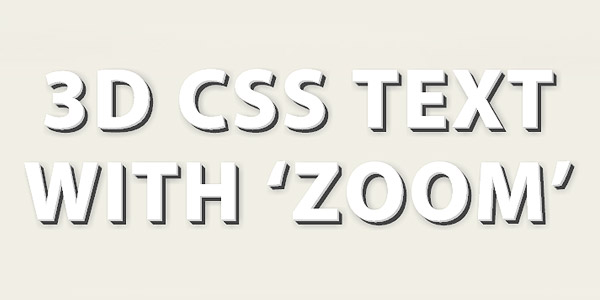
This easy CSS text shadow tutorial will show you step by step how to create 3D font with multiple css shadows by stacking multiple CSS3 text shadow properties, then go a step further and use the CSS text transform and CSS transition properties to make the 3D text pop out / zoom on hover!
Create True Inset Text Effect Using CSS3
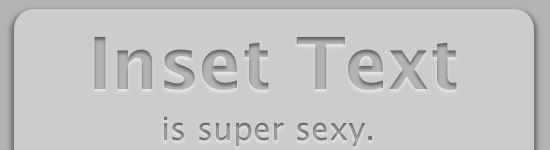
This inset text tutorial differs from others because besides default text-shadow it also uses inner shadow property.
I Heart Blur
It isn’t exactly a tutorial, however you should check out the code used to create this stunning effect to learn how to add blur to text without using bunch of text-shadow properties.

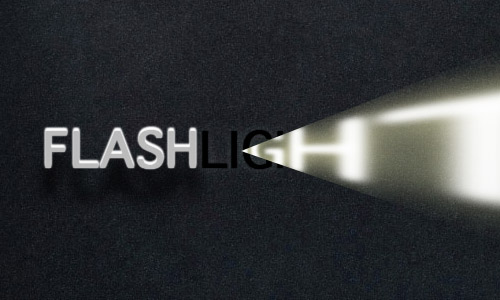
Flash Light
This is a great effect but the only downer is that it works only in Safari. Text shadow is used with the transparent text. The hover effect is achieved by using the rotate transition with low perspective.
CSS3 Tilt-shift Text
This tutorial teaches you how to create a Tilt-Shift text effect. The radius has been somewhat blurred from top and bottom and the Tilt-Shift effect has been applied