• Skip to main content
  • Skip to secondary menu
  • Skip to primary sidebar
  • Skip to footer
Best Free Web Resources — local AI tools and hardware guides

Best Free Web Resources

Local AI Tools & Digital Engineering Resources

What can I run?
  • AI Tools
    • Start: Local LLMs
    • Ollama Models & VRAM
    • LM Studio Models
    • GPU Comparison
    • AI Hardware Matrix
    • Local LLM Directory
    • VRAM Calculator
    • Hardware Compare
    • Local Model Recommender
    • API Pricing & ROI
  • Local AI Guides
  • Web Resources
    • Inspiration
    • Photography
    • Games
    • SEO
    • Tutorial
      • Coding
      • WordPress
    • Resume/CV
    • Graphics
      • Logo
    • Freebies

10 CSS Tools & Generators

January 10, 2011 by Rupesh Kumar

As a web designer/developer you must continue to find ways to reduce the time it takes to design/develop websites. This is very important to improve your productivity and to maximize your profits. The CSS Tools below, which are categorized by function, are here to save you time designing websites.

Spritebox

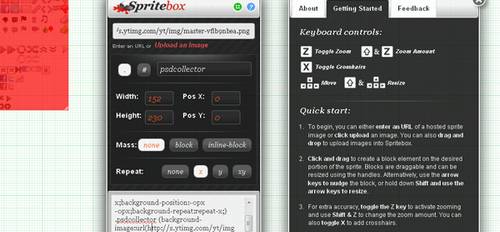
Spritebox is a WYSIWYG tool to help web designers quickly and easily create CSS classes and IDs from a single sprite image. It is based on the principle of using the background-position property to align areas of a sprite image into block elements of a web page. It was made using a combination of JQuery, CSS3 and HTML5, and is totally free to use !
Online CSS-Reset Tool

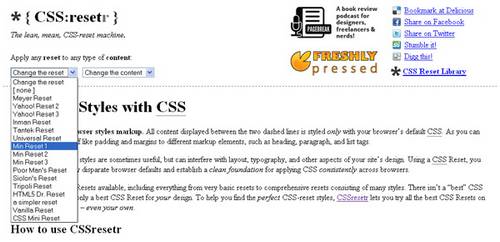
There are many CSS Resets available, including everything from very basic resets to comprehensive resets consisting of many styles. There isn’t a “best” CSS Reset for all designs, only a best CSS Reset for your design. To help you find the perfect CSS-reset styles, CSSresetr lets you try all the best CSS Resets on a variety of web pages – even your own.
CSS Layout Generator

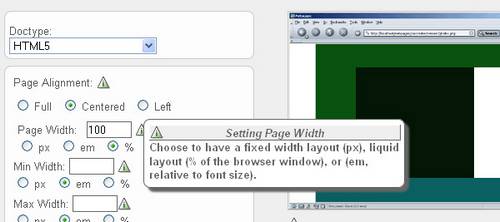
The generator helps you create the structure of your website template using valid HTML and CSS.You can create a fluid or fixed width floated column layout, with up to 3 columns and with header and footer. Values can be specified in either pixels, ems or percentages.
Tiny Fluid Grid

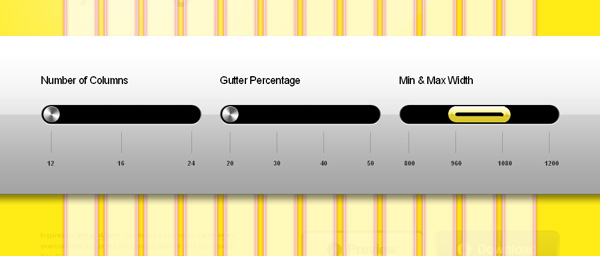
The happy & awesome way to build fluid grid based websites.
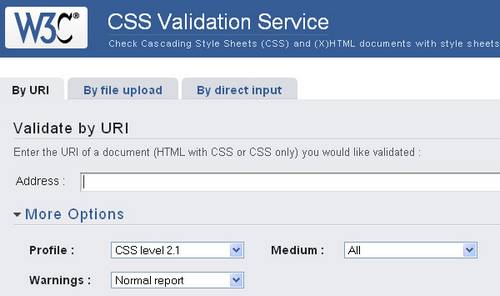
CSS Validation Service

Check Cascading Style Sheets (CSS) and (X)HTML documents with style sheets.
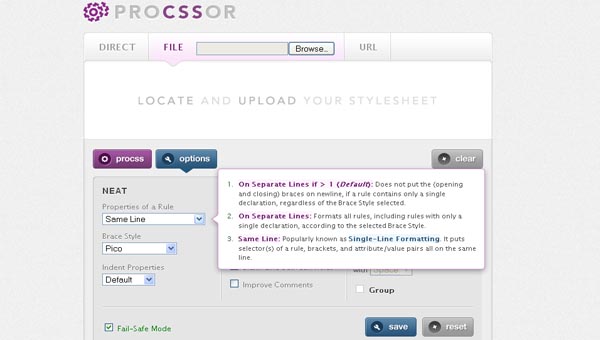
ProCSSor

Advanced CSS Prettifier that lets you format CSS in the exact way you want. It empowers you to turn your CSS into something that is visually more compelling, and with a minimum of effort at that.
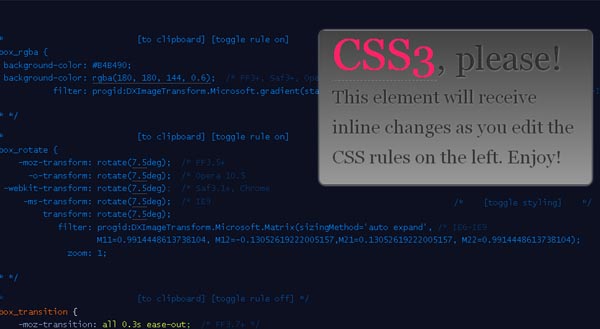
CSS3 Please

The tool offers support for border-radius, box-shadow, linear-gradients, rotation, rgba colors and @font-face, with work underway on support for skew and scale. In some circumstances the tool also offers support for Internet Explorer using IE filters to replicate the same effects as achieved by CSS3 properties.
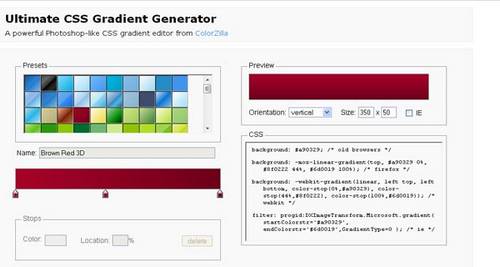
Ultimate CSS Gradient Generator

A powerful Photoshop-like CSS gradient editor from ColorZilla
SlickMap CSS

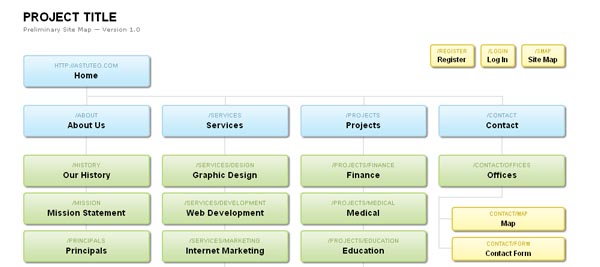
SlickMap CSS is a simple stylesheet for displaying finished site maps directly from HTML unordered list navigation. It’s suitable for most web sites – accommodating up to three levels of page navigation and additional utility links – and can easily be customized to meet your own individual needs, branding, or style preferences.
CSSDesk

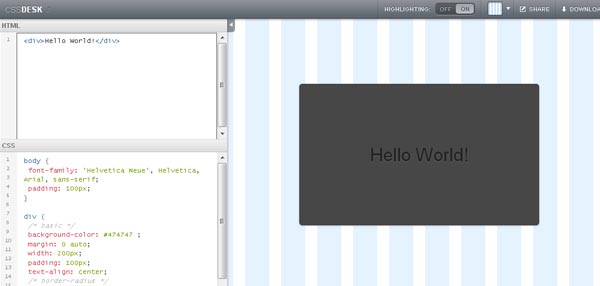
CSSDesk is a online HTML/CSS sandbox. Experiment with CSS, see the results live, and share your code with others.
⚡ Free Interactive Tools

Work out what your hardware can actually run

Free calculators and directories, sized from real model weights — before you download gigabytes or order a card:

🚀 Start: Local LLMs Hardware, runner and first model 📊 What Can I Run? Models by VRAM tier, 8GB–128GB 💻 Hardware Matrix 75 laptops & GPUs profiled ⚡ VRAM & KV Calculator Weights, cache and overhead

Filed Under: Coding Tagged With: CSS, Generators, Tools

About Rupesh Kumar

Rupesh Kumar founded Best Free Web Resources in 2010 and edits the site. He writes about free web resources, web development and running open AI models locally. Learn more: About BFWR & our editorial standards → · Follow on X (@bestfreewebres) →

Primary Sidebar

⚡ FREE INTERACTIVE TOOLS

Local AI Hardware & VRAM Matrix

Benchmark your PC or Mac for local AI, calculate VRAM requirements, and compare cloud API costs vs local hardware ROI.

🚀 New here? Start with Local LLMs → 💻 Hardware Matrix (75 Devices) → 📚 Local LLM Directory (30 Models) → 🎮 AI GPU Comparison → ⚡ VRAM & KV Cache Calculator → 💰 API Pricing & Break-Even → 🍎 Mac VRAM Unlocker (90% Boost) →
📦 Ollama 🖥️ LM Studio ⚙️ llama.cpp 🚦 vLLM 💬 Open WebUI 🎨 ComfyUI 🔒 Self-Hosted 📊 VRAM Tiers 🎯 Recommender ⚖️ Comparisons

Search

  • Facebook
  • Instagram
  • RSS
  • Twitter
  • YouTube

Footer

Latest Guides

  • Qwen-Image 2.1 in ComfyUI: Files, VRAM, Turbo and the Licence Catch
  • Mac mini M6 for Local AI: Which Configuration to Buy, and Why 16GB Is Slower
  • LM Studio Bionic: What It Does, What It Costs, and What Stays Local
  • llmfit: How the Local LLM Fit Checker Works, and How Far to Trust It
  • How to Run GLM-5.3-Flash Locally: 321B, MIT Licence, and the Memory It Takes
  • Why Modern Online Slots Feel Different Even When the Basic Format Looks the Same

AI Tools & Calculators

  • What can I run?
  • VRAM Calculator
  • GGUF Size Calculator
  • Fine-tuning VRAM
  • LoRA Training VRAM
  • Image Generation VRAM
  • Mac VRAM Optimizer

Browse & Compare

  • Models Directory (30 models)
  • Hardware Matrix (75 devices)
  • Image Models
  • Model Licences
  • Comparisons
  • Model Recommender
  • API Pricing & ROI

Guides & Resources

  • Technology
  • Coding
  • Tutorials
  • Freebies
  • Graphics

Copyright © 2026 · Best Free Web Resources · All Rights Reserved.  |  About · Privacy Policy · Contact · AI Tools Hub