
• Skip to main content
  • Skip to secondary menu
  • Skip to primary sidebar
  • Skip to footer
Best Free Web Resources — local AI tools and hardware guides

Best Free Web Resources

Local AI Tools & Digital Engineering Resources

What can I run?
  • AI Tools
    • Start: Local LLMs
    • Ollama Models & VRAM
    • LM Studio Models
    • GPU Comparison
    • AI Hardware Matrix
    • Local LLM Directory
    • VRAM Calculator
    • Hardware Compare
    • Local Model Recommender
    • API Pricing & ROI
  • Local AI Guides
  • Web Resources
    • Inspiration
    • Photography
    • Games
    • SEO
    • Tutorial
      • Coding
      • WordPress
    • Resume/CV
    • Graphics
      • Logo
    • Freebies

3 Tips For Staging Your Home For Sales Photography

March 20, 2023 by Rupesh Kumar

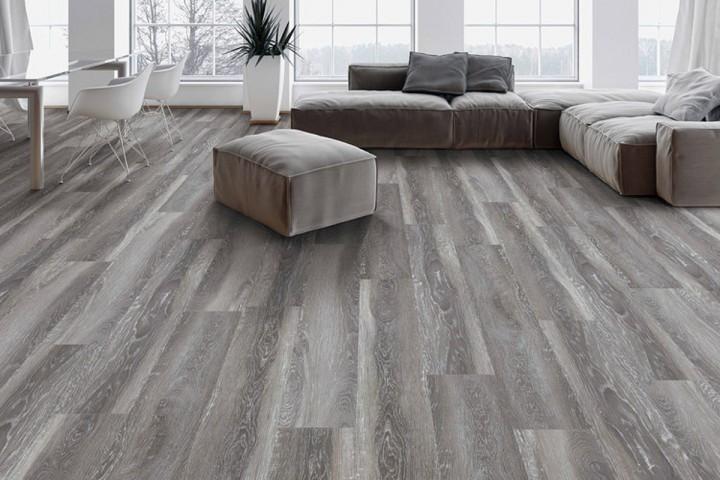
If you’re going to be putting your home on the market soon in the hopes of selling it for the best possible price, you’re going to want to be sure that you’ve taken quality photos that you can include with your listing. However, taking out your camera phone and snapping some shots of your home as-is likely isn’t going to cut it. Rather, you need to know how to properly stage your home so that it looks timeless and will allow you to get the best photos you possibly can.
home floor 2

To help you see how this can be done, here are three tips for staging your home for sales photography.

Remove Most Items From The Space

Before you have anyone come to your home for an open house or take any photos that you’ll post with your home listing, you’re going to want to remove most of the items that you have in the space. The more you’re able to depersonalize the home before the photos, the better. This means removing any pictures of your family or decor items that are specific to you but might not be to the taste of most other people.

While you might feel like the rooms look bare compared to what you’re used to, the more space you’re able to make each room appear to have, the better the photos will look and the easier a time people will have with envisioning themselves and what they could do with that space.

Get As Much Light As Possible

Something else that you should do to help the photos of your home look as good as can be is to let in as much light as possible into your home.

To do this, try to avoid having to take interior photos after the sun has gone down. Rather, open all of your window coverings, turn on all of the lights in the house, and get as much brightness into the space as you can. This will make the photos really sparkle and help every corner of the home be seen.

Make Everything Spotless

With all of the light that you’re letting in in order to get the photos of your home, you’ll want to be sure that everything that’s being seen will cast your home and property in a great light. With this in mind, you’ll want to spend the time thoroughly cleaning every nook and cranny of your home before taking the photos.

Even places that you might not normally think to clean need to be wiped down and dusted off. You want anyone seeing these photos to know that you’ve maintained the house well so that they want to live in it even more.

If you want to take breathtaking photos of your home so that buyers will find it irresistible once it gets on the market, consider using the tips mentioned above to help you design and stage your house to look perfect.

⚡ Free Interactive Tools

Work out what your hardware can actually run

Free calculators and directories, sized from real model weights — before you download gigabytes or order a card:

🚀 Start: Local LLMs Hardware, runner and first model 📊 What Can I Run? Models by VRAM tier, 8GB–128GB 💻 Hardware Matrix 75 laptops & GPUs profiled ⚡ VRAM & KV Calculator Weights, cache and overhead

Filed Under: Tips

About Rupesh Kumar

Rupesh Kumar founded Best Free Web Resources in 2010 and edits the site. He writes about free web resources, web development and running open AI models locally. Learn more: About BFWR & our editorial standards → · Follow on X (@bestfreewebres) →

Primary Sidebar

⚡ FREE INTERACTIVE TOOLS

Local AI Hardware & VRAM Matrix

Benchmark your PC or Mac for local AI, calculate VRAM requirements, and compare cloud API costs vs local hardware ROI.

🚀 New here? Start with Local LLMs → 💻 Hardware Matrix (75 Devices) → 📚 Local LLM Directory (30 Models) → 🎮 AI GPU Comparison → ⚡ VRAM & KV Cache Calculator → 💰 API Pricing & Break-Even → 🍎 Mac VRAM Unlocker (90% Boost) →
📦 Ollama 🖥️ LM Studio ⚙️ llama.cpp 🚦 vLLM 💬 Open WebUI 🎨 ComfyUI 🔒 Self-Hosted 📊 VRAM Tiers 🎯 Recommender ⚖️ Comparisons

Search

  • Facebook
  • Instagram
  • RSS
  • Twitter
  • YouTube

Footer

Latest Guides

  • Two 16GB Graphics Cards Can Be 3.3x Apart for Local AI
  • AI Upscale Models in 2026: Which Still Ship, and Which You Cannot Sell
  • ControlNet Models in 2026: Which Ones Still Ship, and What They Weigh
  • Stable Diffusion LoRA: Matching the Base Model, Weights and Stacking
  • Stable Diffusion Image Editors in 2026: Which Ones Are Still Maintained
  • ComfyUI Templates in 2026: 660 Built In, and Half Need the Cloud

AI Tools & Calculators

  • What can I run?
  • VRAM Calculator
  • GGUF Size Calculator
  • Fine-tuning VRAM
  • LoRA Training VRAM
  • Image Generation VRAM
  • Mac VRAM Optimizer

Browse & Compare

  • Models Directory (30 models)
  • Hardware Matrix (75 devices)
  • Image Models
  • Model Licences
  • Comparisons
  • Model Recommender
  • API Pricing & ROI

Guides & Resources

  • Technology
  • Coding
  • Tutorials
  • Freebies
  • Graphics

Copyright © 2026 · Best Free Web Resources · All Rights Reserved.  |  About · Privacy Policy · Contact · AI Tools Hub