The canvas element is part of HTML5 and allows for dynamic, scriptable rendering of 2D shapes and bitmap images. It is a low level, procedural model that updates a bit map and does not have a built in scene graph.Here are some great examples of HTML5 Canvas Applications.
Canvas Sphere
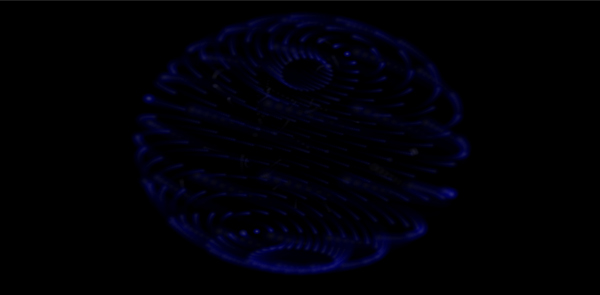
Canvas Sphere by Emil Korngold renders a 2D projection of the 3D points of a sphere using a tiny sprite 3D engine. The demo uses z-sorting and alpha motion blurring to give the sense of 3D and rotation.
Sketchpad
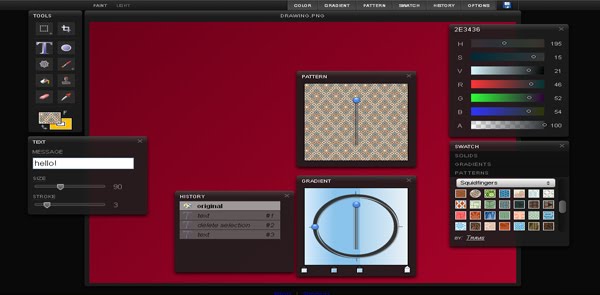
Sketchpad’s drawing tools allow for the usual brush, pencil, fill and text items but it also provides tools for spirographs, unusual shapes and stamps. Applying a pattern to these items is simple, meaning it’s easy to create something artistic even if you’re not particularly artistic yourself.
Reflections
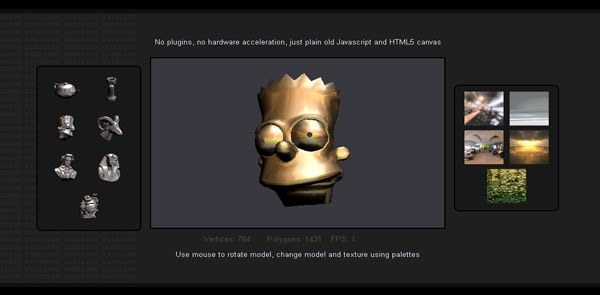
Jean d’Arc has created this 3D texture mapping demo using the HTML5 canvas element. The demo features rotating 3D objects with spherical texture mapping and pixel shading.
Cubescape
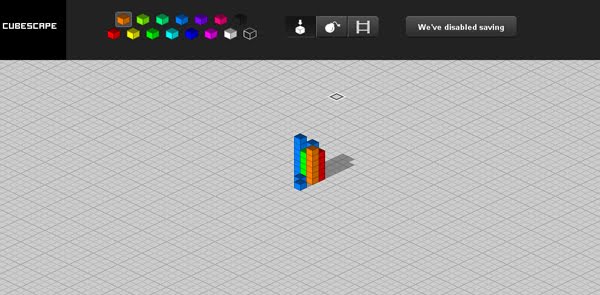
Cubescape allows you to draw 3D isometric pictures by dropping little blocks. It was open to user submissions for a while and some people had amazing patience!
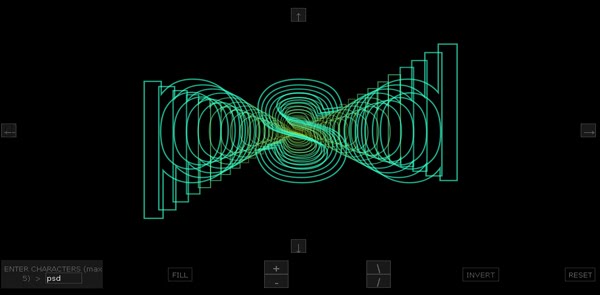
charact-o-matic
Type the text you wish to display in to box on the bottom left, and then use the controls scattered around the display area to change the 3D effect.

Cloudkick Viz
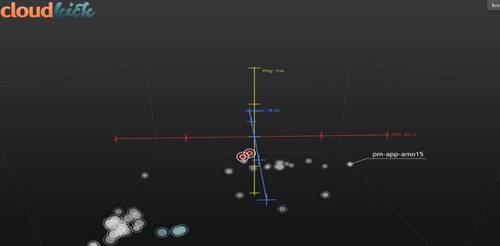
Cloudkick Viz uses the canvas element to display cloud server monitoring information in real time. The graph plots servers in real-time in a 3D space according to performance metrics like CPU and memory usage, and ping latency. Each plotted points size represents the relative power of the server and will blink when monitoring data is updated. If something critical happens, it will turn red and pulsate. Hovering over a server will show you its name and a ghost trail based on performance history, and clicking will yield detailed monitoring data.
canvas threshold filter
A threshold filter converts grayscale or color images into high contrast, black and white images. This threshold filter has been created with canvas by hitode909.
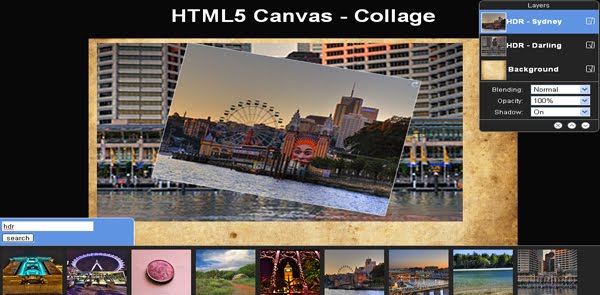
HTML5 Canvas – Collage
Your collage creating begins with a Flickr search, which will bring up a list of the most popular results. Clicking any of the results will automatically add them to the collage area as a new layer. Each layer can be altered in a variety of ways – from moving, scaling and rotating to changing opacities, blend modes and shadows. You can also adjust the layer position in relation to the other layers.
Tweet Flare
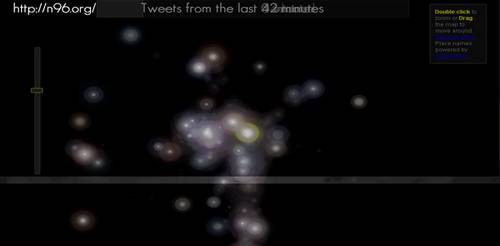
Nikhil Bobb has produced this interested HTML5 canvas visualisation based on real time tweets from around the world using Twitter’s geocode data. Each tweet sets off a flare, lighting up areas of activity on Earth.
iGrapher
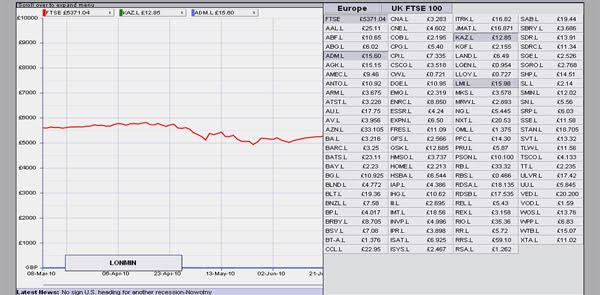
iGrapher is a free web-based financial market visualisation tool for charting, analysis and prediction of different stock, currency and commodity markets. It uses canvas to draw the graphs of financial data.