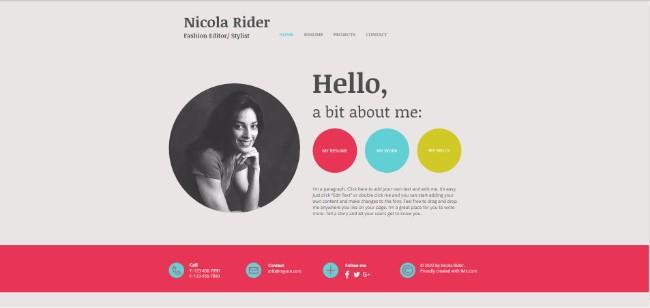
Wix is a cloud-based free website builder which can help you create HTML5 websites and mobile websites using a drag and drop interface. For absolutely no cost, you will get access to a free Wix Domain, Free hosting, 500 MB storage and 1GB bandwidth. But if you want to expand on that they also offer premium plans.
However, the primary focus of Wix is how easy and straightforward it makes website development. Even without prior coding knowledge, you will be able to create a fully functional, professional looking website all by yourself.
Now, while using Wix to create your first website, you will not have to start from scratch. Instead, you will be given an option to choose between hundreds of gorgeous website templates as a starting point. But it should also be noted that once you have picked the initial template, it cannot be changed later on. And so it would be wise to put some thoughts into the template you would choose to start things off.
Here we have put together a read which explains how to choose the perfect Wix template for your website and get inspired in the process. So without keeping you waiting any further, here we go:
What is the Niche of your site?
When building a website, you should consider having a niche – that is to say, your website should be focused on a particular interest or topic. It can be about photography, cooking, music, food and restaurants, and so on.
Now when you pick your template for building your website, it is best that you don’t get carried away by the aesthetics of the templates and pick ones that are categorized under your niche.
Pick a template accordingly:
When developers create a ready-made website template, they generally build it around a particular theme. And according to this theme, the developer will include all the necessary bells and whistles for it to work.
So while picking your template, the first thing to make sure is that you are searching for something that the developer build specifically for your business or service.
What is your style?
Branding is crucial if you want to distinguish yourself from the crowd. This is also true for your website as well. The visual of your site, the aesthetics, how elements and contents are ordered, everything sends a vibe about your website.
Choose a template that resonates this.
So it is important to choose a website template that somewhat matches with the style you are going for. If there are slight variations, that can be managed with the customization options Wix offers.
Consider your SiteMap
A sitemap is basically an account of all the pages you will have on your website. Before getting your template, it would be wise to have an idea of all the web pages you would want to have. With this knowledge in hand, it would be easier to filter out incompatible templates.
Now browse through the Content of the Template:
All the templates allow you to add and remove pages and sections. However, it would be much easier if you could find something that is as close to a match to your envisioned website. And so, don’t just look at the homepage and make the final call. Instead, it is wiser to go through each page of the template and try to understand its flow.
How much time are you willing to put into this project?
To help you save time in the site building process, Wix offers you templates as a starting point. And by now you have understood how to pick the perfect template to make work even easier.
However, there is still work. It is still a template, and the design will not be a spot on match with the site you want to build. You will have to invest time to fine tune these templates. And so, the next immediate question is – how much time are you’re willing to invest?
Be Honest with Yourself
Do not get carried away and make a rash decision. If you choose a template that requires multiple hours of your time to refine you might get frustrated midway and leave the project. So look at your timetables, see how much time you have, consider the templates which are suitable to your style, niche as well as time, and make a perfect choice.
Now down below we have listed some free website templates which you can use for your Wix website or for inspiration’s sake. Happy scrolling!
- Landing Pages

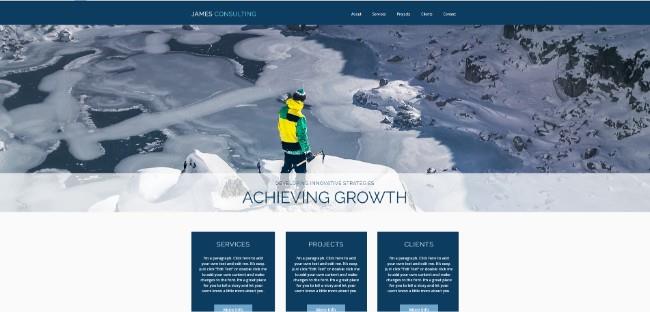
- Consulting Websites
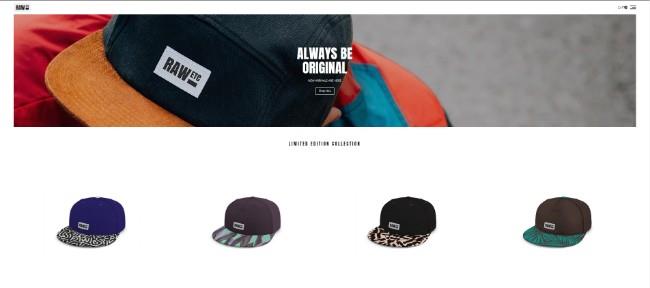
- eStore
- Wedding Websites
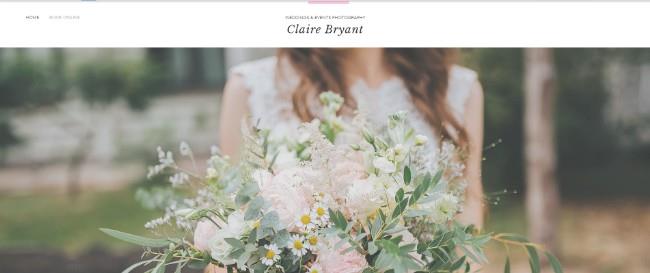
- Music Websites

- Designing Websites
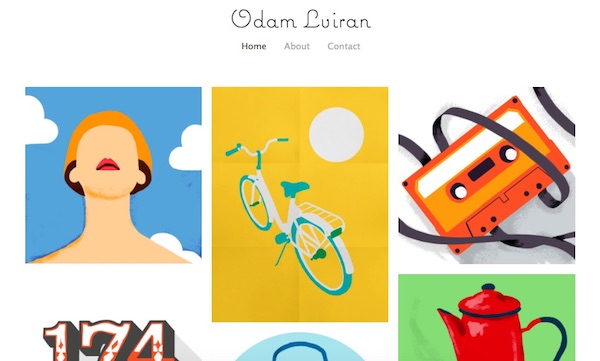
- Restaurant Websites
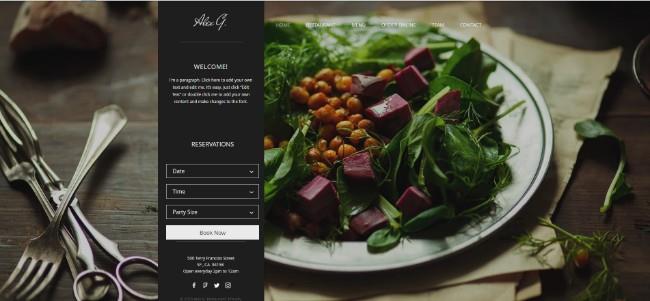
- Hotel Booking Websites
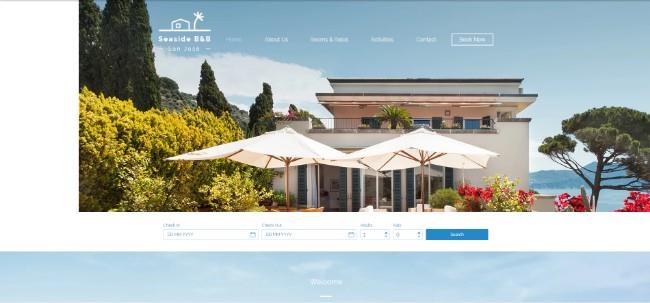
- NGO Websites
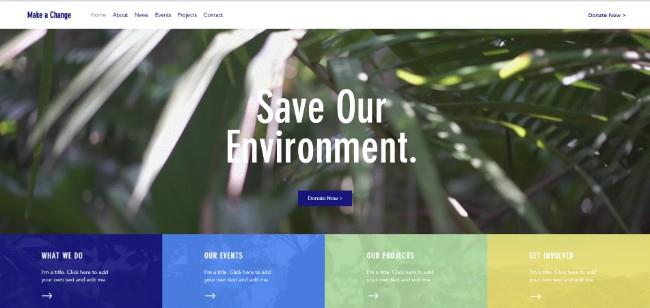
- Portfolio Websites