
The internet. A revolutionary communication medium that has been at the forefront of technology for multiple decades. Once a tool used and developed by a select few engineers, the modern variant reaches countless end users on a daily basis with almost as many contributors. Oh yeah, and it looks a lot better too. If you were to visit the internet circa 1995 (try yahoo.com for example), you’d find a rather sparse, utilitarian view of the world wide web.
Every site in these early days of the web was heavy on text and light on aesthetics. Contrast that with today’s beautifully rich, interactive sites and you begin to get a feel for the progress we’ve made. But what is it that caused such a drastic change in appearance? Are the advancements in technological infrastructure and the ability to push more data through our digital channels the sole reasons for the beautification of our beloved internet? The answer just might surprise you.
Spinning an old web
The web originated from a need to communicate information across long distances. The minds behind the operation got their start at CERN (European Organization for Nuclear Research). With the creators of such a pervasive technology working at a Nuclear Research facility, it’s no wonder that the web dawned a very “educational” look throughout its humble beginnings.
Due to the technical nature and underlying need for complex code, designers back then weren’t exactly flocking to the new technology. In fact it wasn’t until the early 2000’s that designers really began taking a prominent role in the development of web sites. This role as we all know, centered mostly around the creation of static designs and layouts. The actual web implementation was left to the engineers with degrees in computer science. With the higher importance placed on the technical web development aspects, designers were often marginalized in the process, and this did not change until very recently.

The general perception of web development was that a bunch of engineers and developers were the only ones capable of publishing site on the web. This view was reflected in the salaries of graphic and web designers which were significantly lower than their technical counterparts. The product of this inefficient process of static design to html conversion was the waste of nearly 70% of website creation budgets by clients on just the manually coding. A designer’s work was also vulnerable thanks to the sacrifices often necessary when engineers and developers struggled to achieve the same vision.
Designers find their stride
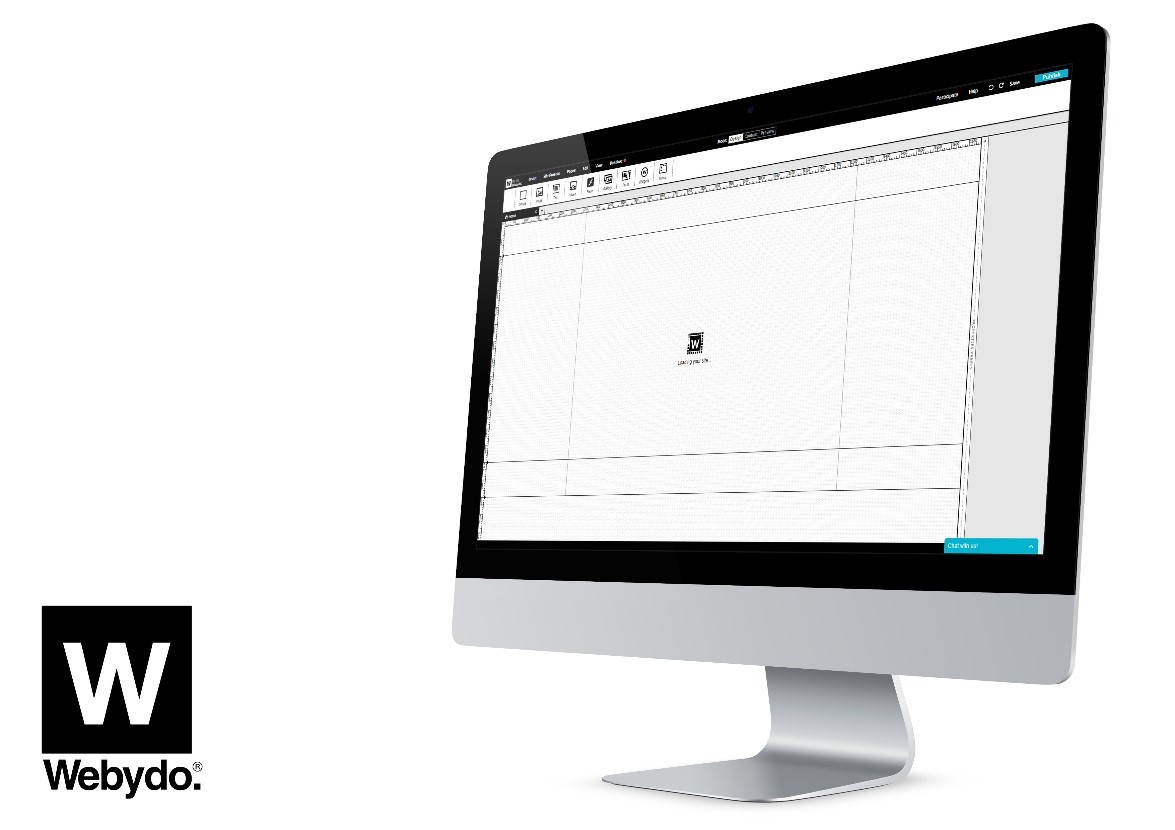
Fortunately for professional web and graphic designers and just about every human with internet access, this technical barrier is coming down. The revolution was demonstrated by companies like Apple that showed the world there’s more to technology than mere speed and specs. Instead, they taught us to appreciate sound design as a crucial element in the consumption of modern technologies. The internet is on the verge of a similar shift in consciousness. Thanks to the revolutionary cloud-based web design platform Webydo, designers are at the forefront of this shift and actually take the lead in the development process of website creation.

The idea behind Webydo’s design studio centers around a more creative and code-free web development process. Designers are able to use Webydo and other related web design suites to pour out their creative energy on a digital canvas that is automatically converted to a web ready format. The resource wasting process of translating static images to web pages with the help of developers and engineers is completely circumvented. Instead, designers take full control of web publishing. This leads to fewer design sacrifices, less wasted resources and ideally, a more beautiful web.
The best of both worlds
The internet we use today is ultimately still a medium for communication. However, with these new opportunities for enhanced design, why shouldn’t it be a conduit for creativity as well? Can’t we have both? Not only is it possible to have both, but if there’s any hope for the future of this innovative technology we need both. And it’s the designers that will be called upon to lead the charge.
You see, Form doesn’t always exclude function. Just think of how much richer and often more productive websites are now compared to 1995. Much of this is thanks to intuitive interfaces and layouts created by, you guessed it, designers. With the help of web design software that allows designers to focus on these elements without wasting time and resources on the technical aspects, the future of the web looks very bright indeed.

This article is presented by Webydo’s community of professional designers.