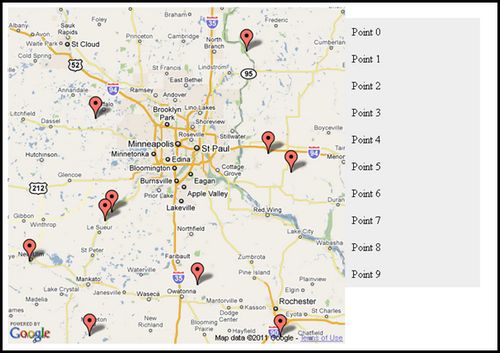
Understanding maps is relatively simple. Place your company or business on a satellite view, it’s easy. But how about a dynamic mapping which disseminates informations from a database? means that your maps is not a simple image but an integral part of your website. To do that, you must have some technical skills , the first popular implementation tool is google maps but jquery make your life much easier , many Google Map jquery plugins are designed for quick development of a page that implements a Google Map with a list of the locations that are specified within the HTML.
So in this article , we have compiled the top 7 of best free jQuery Google Maps Plugins that may offer a lot of map functionality in case you need them.
jQuery GPS
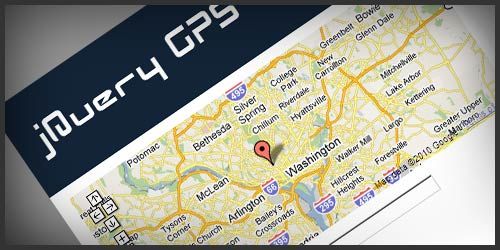
jQuery GPS is a lightweight jQuery plugin that enables you to easily add clean Google maps directions (without unwanted features) in your website. It provides you control over look and feel of input fields and the output. jQuery GPS uses Google Maps API, and you must get your own API key to use this plugin.
gMap jQuery Google Maps by Cedric Kastner
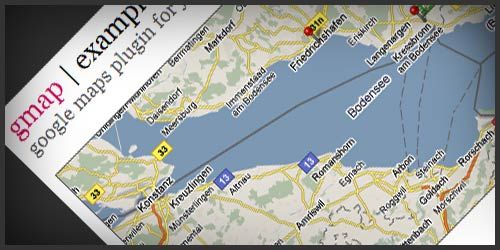
gMap is a lightweight (only 2 KB in size) jQuery plugin that helps you easily embed Google maps in your web pages. gMap is very flexible, and you can customize it in many different ways by passing a JSON object (containing various custom properties) to the GMap() function.
gmap3
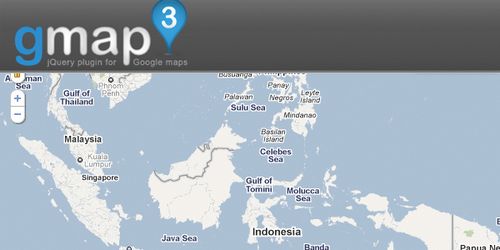
gmap3 is a jquery plugin which allows many manipulation of the google map API version 3. gmap3 allow you to use several google map in the same page. Even if gmap3 simplifies the use of the google map API, it allows to use all the google map API natively.
MobilyMap
MobilyMap is lightweight (5KB), fully configurable jQuery plugin that converts an simple image into a functional map. MobilyMap has some option for customization such as position, use popup, buble, cookies, caption, on marker click, on popup close and on map load.
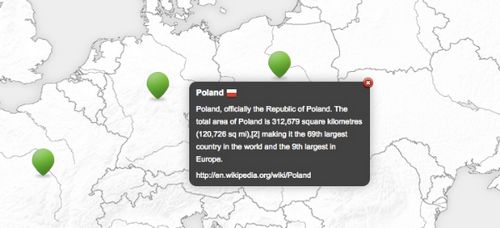
goMap jQuery Google Maps Plugin
goMap is jQuery v1.5 plugin using Google Maps v3. With its 1.3.1 version, you can have several maps in one page, show or hide markers by group and many more.
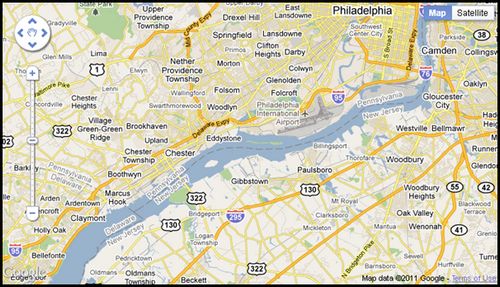
Mapbox: Zoomable jQuery Map Plugin
The jQuery mapbox() plugin is for creating relatively small scale, zoomable, draggable maps with multiple layers of content. This framework could be applied to games, development plans, or any layout that could benefit from being able to zoom in and pan to get a better view. By default, the map will now zoom to the cursor position when the mousewheel is used. This is an intuitive means by which a user may explore different areas of the map.
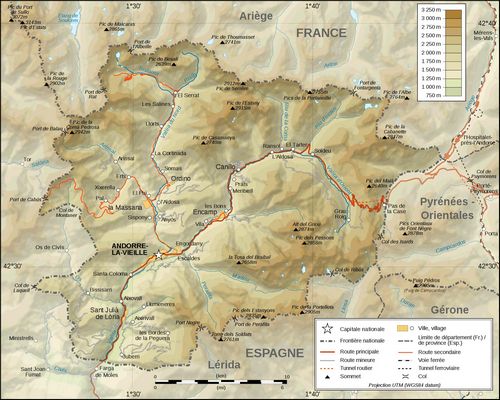
jMapping by Brian Landau
This plugin is designed for quick development of a page that implements a Google Map with a list of the locations that are specified within the HTML.