
No matter what type of trader you are, having a trade routine is a must – and a significant portion of it should focus on how you trade from home. Having said that, acquiring a setup for that purpose is entirely feasible. Indeed, trading can get complex and requires a lot of attention; hence working from the comfort of your home with suitable equipment can alleviate some degree of the potential stress.
In other words, a peaceful trading environment with the proper collection of apparatus or devices is vital for mitigating the trading pressure and concentrating better when analyzing the markets. Here are some suggestions to effectively build up a reliable home trading setup.
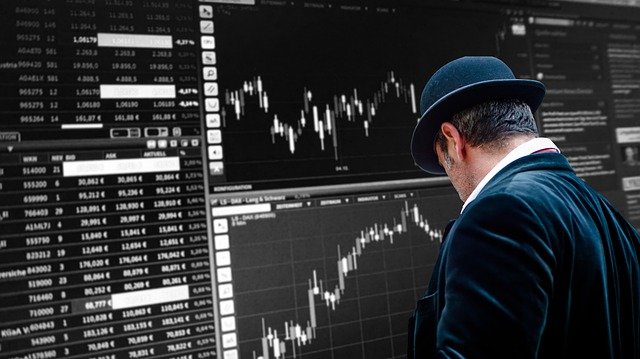
Setting up your trading room – Desk and chair
Generally, trading desks and chairs significantly differ from the standard office equipment as you need to keep in mind that you might be at the station for a long period of time, non-stop. A customizable desk allows you to change your postures during extended trading hours, reducing the risk of leg or neck stiffness. Going for a height-adjustable desk would be a good choice to ensure your comfortability during trading. Moreover, it would help to select a desk with ample space to accommodate the computer screens, mouse, keyboard, or other necessary supplies.
Matching a convenient and ergonomic chair with your trading desk is crucial to completing the package. Working on a comfortable chair supporting your backbone and relieving pressure from your shoulders, neck, or joints can facilitate your trading efficiency and analyzing power. As a trader, you should opt for an adjustable chair with breathable back material, comfy seat cushion, and adjustable headrest to prevent physical and mental distress.
Some crucial must-haves for a viable trading system
One of the most essential steps when arranging a trading setup is to guarantee the availability of a blazingly fast and stable internet connection. As a trader, the last thing you want is to bear the brunt due to lagging internet connectivity or power failure. Here is a tip: when creating your trading station, do not forget to arrange a backup internet device and UPS system to avoid unnecessary problems.
Also, selecting a reliable broker is imperative to experience high-frequency trading and optimal trading conditions. The result of your trading efforts heavily depends on a broker’s viability, so make sure to go for a trusted platform with transparent requirements and a dependable payment framework. To identify these brokers you can consult respected review sites like Trustpilot, which ranks providers based on their verified reviews. Long running broker easyMarkets scores highly here, as do others. Furthermore, the security infrastructure should be robust and in line with leading industry technology.
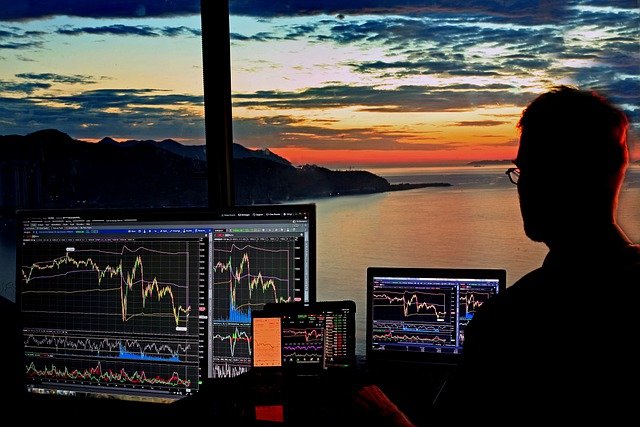
Trading screens – What is a good number?
If you ask how many screens should be used when trading, the answer varies as it entirely depends on your trading objectives, experience level, and how fast you want to progress in this sphere. Typically, two to four screens are considered the standard in trading setups; however, the number of trading monitors may reach up to twelve in some setups.
Screen power can assist you in getting a comprehensive view of the market and observing the opened positions or tracking multiple timeframes. Consequently, it all comes down to your decision on how many screens you deem suitable for your trading ventures.
Bottom line
Sadly, many traders underestimate the importance of background factors when trading from home. A comfortable environment, uninterrupted access to the markets and the right broker, for example, are things that might seem to be a must. However, these things should not be overlooked. Your success as a trader depends not only on your analysis and decision making, but also the atmosphere you work in.
Work out what your hardware can actually run
Free calculators and directories, sized from real model weights — before you download gigabytes or order a card:
