

Gliding past the niggles and knots, responsive web design has turned from being a luxury to being a necessity. In regards to the responsiveness of the website, trends have hardly seen a shift, but webmasters of the world have only now started to realize that non-responsive web designs are the way to doom for any sort of business – a reality that’s as true as it’s harsh.
Now, while leaking out sermon on why responsive web designs are critical to your blog’s success will be overstating the now-obvious, what you instead need to know is what are the best tools available for you to remove the niggles from your website and give a velvet touch to how it loads on multiple browsers and devices.
Responsive Web Design Tools
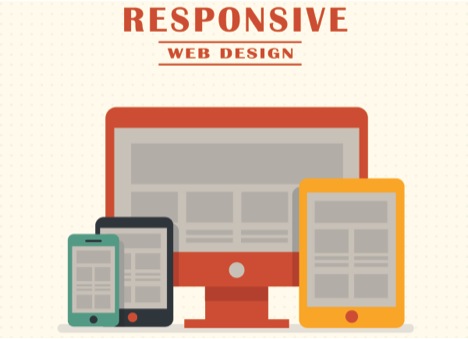
So, here are best of the lot for your consideration:
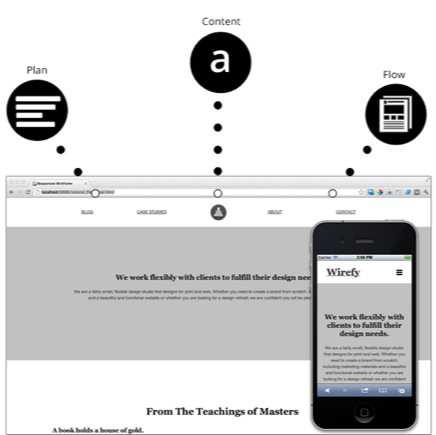
Quite an obvious name to begin the list with, Wirefy is an incredibly useful tool for enhancing the responsiveness of any website as it adds a sense of structure to its overall presentation. As a rapid prototype tool, Wirefy helps you make your website more compact in nature and plan your content in a manner most fuss-free and clean. Using this tool, you can deliver more focus on content while keeping the styling worries at bay. The customization capability of this tool makes it all the more useful.
FlexNav

Pain-free navigation is the indispensable element to the responsiveness of a website. And this is not an age where you create a website for desktops and then make a mobile-friendly version of the site. The websites instead have to be made *for* mobiles and this is where FlexNav scores. It is essentially a jQuery plugin that lets you make navigational elements the center-point of your web pages so that your visitors don’t have to squint hard to look for them. It gives you the wherewithal to create a menu like structure with a drop down provision.
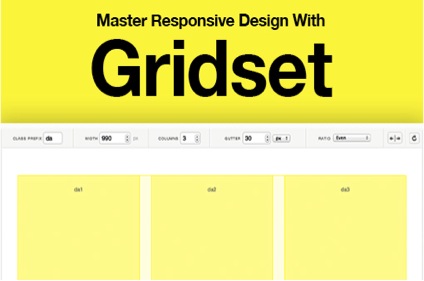
The second best thing about Gridset is the fact that it is compatible with a host of content management systems that include Joomla, Drupal and most importantly, WordPress. And the de facto best thing about it is that the otherwise mandatory and unwieldy task of calculating the column configurations every time you picked a device with a unique screen size is unnecessitated.
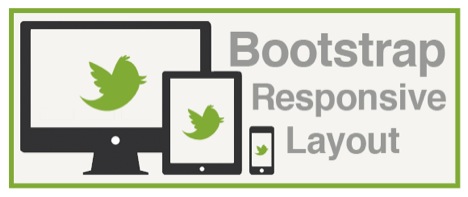
Bootstrap can go a long way in ensuring there is no site obscurity when it comes to responsiveness. This is probably the first tool you had though of, and quite apparently so. Bootstrap has managed to create a niche for itself in the web world and hold on to it riding on pretty formidable reasons. It is essentially an open source front end framework that leverages a highly responsive grid. It makes prototyping a task that is seamless and much more rewarding with the use of an ensemble of plugins, typography, and support for new tools and functions. You get access to minified CSS, the remarkably useful Customizer, j Query plugins and a host of other tools to work on and with.
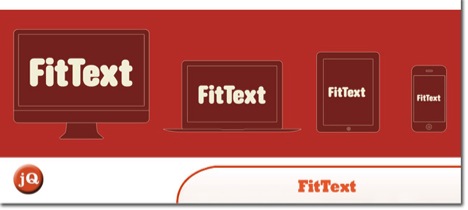
As the name suggests, this tool lets you add a sense of structure to the text in your post. Depending on the type of device your website is being browsed on, this jQuery plugin will automatically scale the text so as to enhance the readability and also ensure that the post doesn’t look cluttered no matter how content rich it is. With a greater control over the typography in your post, it becomes more feasible to make your site look cleaner and facilitate greater degree of responsiveness.
So, instead of racking your brain on how crucial is the responsiveness facet, it’s about time you add some fluence to your website. Have you used any of these already? Feel free to add to the list if you find a tool missing.
Author Bio :
I am Sophia, my forte is WordPress and my work exists at the intersection of web development and technology blogging. Sophia is professionally associated with WordPress Theme Customization Company that has been taking huge strides in the web domain from quite a while now.
Work out what your hardware can actually run
Free calculators and directories, sized from real model weights — before you download gigabytes or order a card:
