
CSS3 is the future of html/css. It is a very powerful css framework. Buttons are a very important element of any web design. It enhances the feel and beauty of the design and has an impact on its overall look. Creating buttons using CSS3 requires some experience because to add advanced effects to these buttons is not an easy task. Techniques like border-radius, text-shadow and box-shadow are commonly used for creating CSS3 buttons. In the past designers used photoshop to create their button but nowadays css3 is the solution for any developer but you have some skills to create a nice looking button.
In this post, we present a list of 15 Css3 Tutorials For Creating Amazing Buttons to let you learn some basic techniques of creating css3 buttons.
CSS3 Animated Bubble Buttons
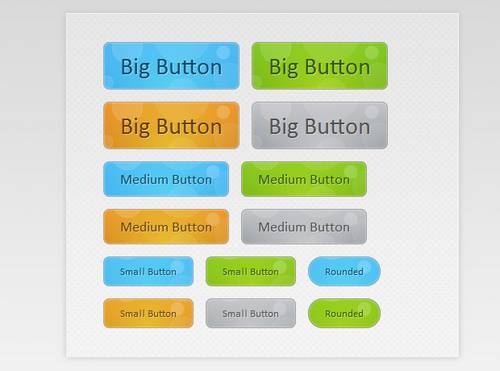
This week we are creating a useful set of animated buttons with the power of CSS3?s multiple backgrounds and animations. With this button pack, you can easily turn any link on your page into an animated button by just assigning a class name.
How to Build a Better Button in CSS3
Let’s build a better button using CSS3 styles, animations and transformations

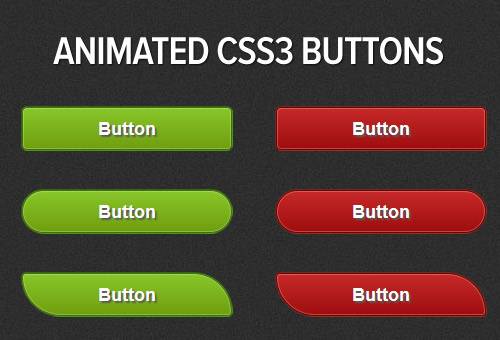
Awesome Animated CSS Button Tutorial and Source Code
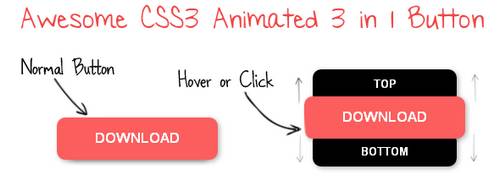
We create simple 3 in 1 CSS button code using some Advance CSS properties. I will show you here some CSS techniques that you use to easy create Animated CSS Button.
CSS Social Buttons
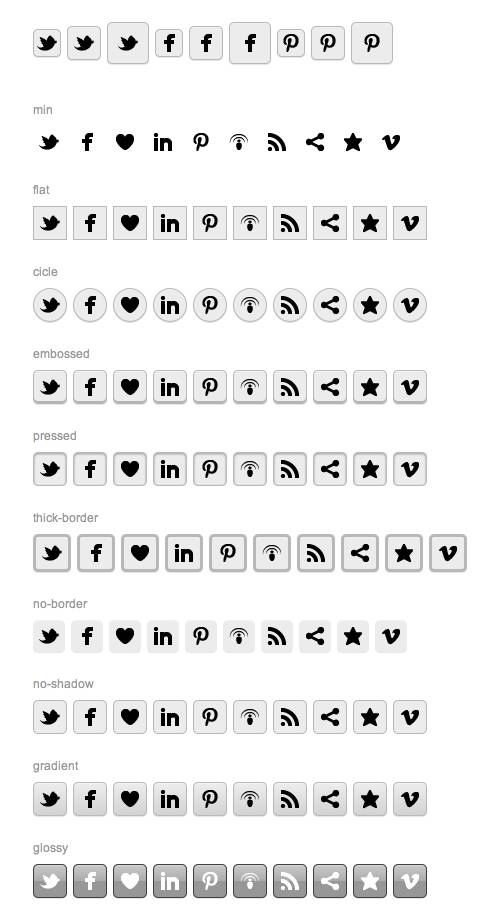
Basically, it is one master stylesheet that contains various design styles. It allows you to display many different button styles by combining the CSS classes.
UI Design: Glossy Buttons With CSS3 Gradient
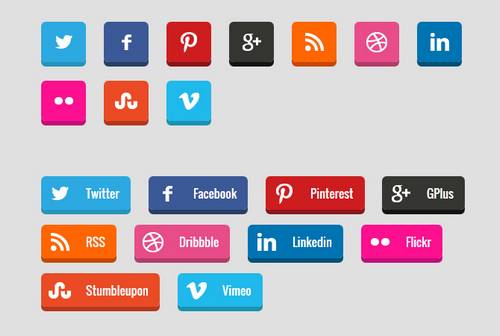
In this post, we are going to create the glossy button effect as shown in the above screenshot using CSS3 Gradients and with simple HTML markup.

Create 3D Social Media Buttons with CSS3
Social media buttons are presented today on every website design. They are used to promote your business on social networks and get in return potential customers.
Crafting Minimal Circular 3D Buttons with CSS
These buttons use a good bit of CSS3 and some pseudo elements which are CSS 2.1. Nothing too overly progressive though. Any version in the last few years of Safari, Chrome, Opera, or Firefox will have no trouble.

How to Create Fancy Animated Buttons in CSS3
To give designers more flexibility and interoperability, CSS3 is proposed as the next major revision of CSS. In this tutorial we will be making some cool fancy animated CSS3 buttons.
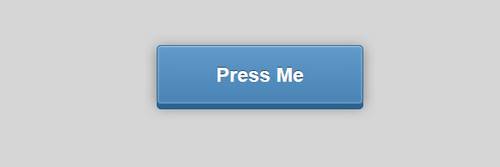
Creating a 3D Button in CSS3
Today I want to show you how to use some of the awesome new features in CSS3 to create an animated, three-dimensional button.
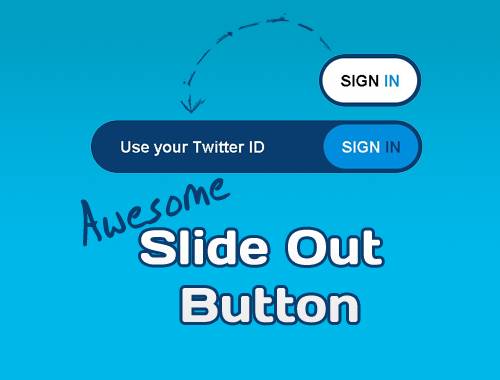
AWESOME CSS3 & JQUERY SLIDE OUT BUTTON
The button consists of three parts: a container, the little button and the longer button. The two inner parts have absolute positioning. With jQuery, we enlarge the long button and change the colors of the small one.
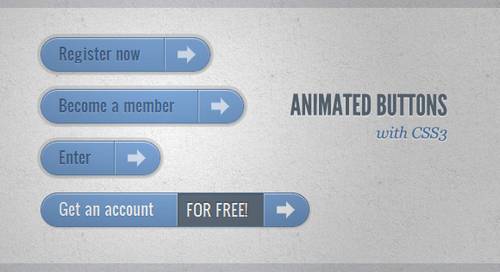
ANIMATED BUTTONS WITH CSS3
Still hyped by the possibilities of CSS3, I want to share some CSS3 button experiments with you. The idea is to create some animated link elements with different styles, hover effects and active states.
BUTTON SWITCHES WITH CHECKBOXES AND CSS3 FANCINESS
That’s the focus of this tutorial, I’ll show you how to create button switches with CSS only, without a line of JavaScript.
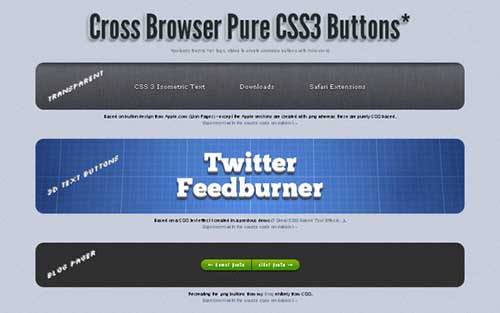
Cross Browser Pure CSS3 Button Demo
I’ve been doing a lot of experimenting recently with CSS3 gradients, box shadows, transitions etc… The result is this set of buttons created entirely from CSS (no images used at all).
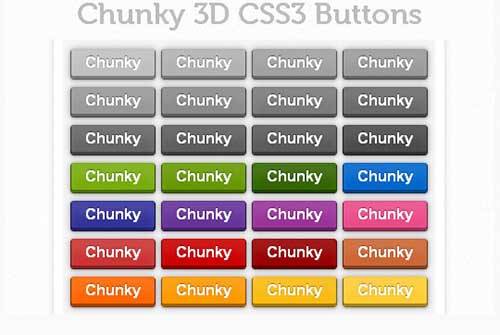
Chunky 3D CSS3 Buttons
This is a set of Chunky 3D Pure CSS3 Animated Website Buttons. In the CSS file you will see I’ve already added some nice colors, this way you don’t have to search for the right color for these buttons. This works best in Firefox and Google Chrome.
Build Awesome Practical CSS3 Buttons
What once required background images and icons can now be created with plain-old CSS. Because modern browsers have access to things like box shadow, gradients, rounded corners, text-shadows, and font-face, we can finally take advantage of this and remove any need for images, when creating visual elements, such as buttons! I’ll show you how in today’s video tutorial.

How To Create a Stylish Button Entirely with CSS3
Let’s look at how CSS gradients, shadows, borders and transitions can all be combined to create a stylish button for your website.
nice buttons list thanks for other jquery plugins visit here.
Very nice collection. However you may find useful my blog post about button’s usability and accessibility: http://zinoui.com/blog/usable-and-accessible-css3-buttons