
jQuery is one of the most used JavaScript libraries and if you are looking for the top jQuery Plugins for Dropdown Navigation Menus then you have come to the right place.
With OpenSource making tons of impact on the online world, it is quite obvious that you all facets of development gets impacted in the positive way. For example, developers across the world create useful jQuery plugins for the community. Another great example would be Linux development and tons of open source projects currently available through Github and other open source projects platforms.
Recommended Reading: Amazing Collection Of jQuery Menu Tutorials
jQuery Dropdown Navigation Menus
The list is composed keeping the needs for the modern development needs for developers. If you feel that I missed an important jQuery plugin, then comment below and let us know!
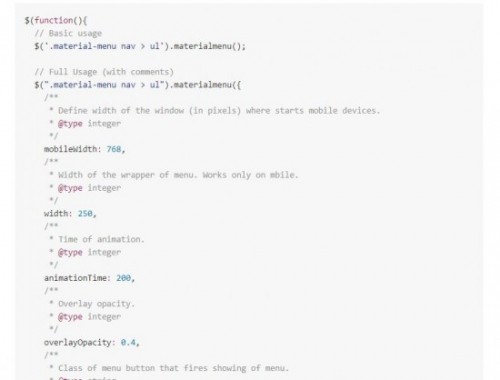
Material Menu is a jQuery plugin that is used for creating the awesome responsive navigational menu. The plugin is hosted on GitHub and you can easily download and start using it. The plugin is well documented.
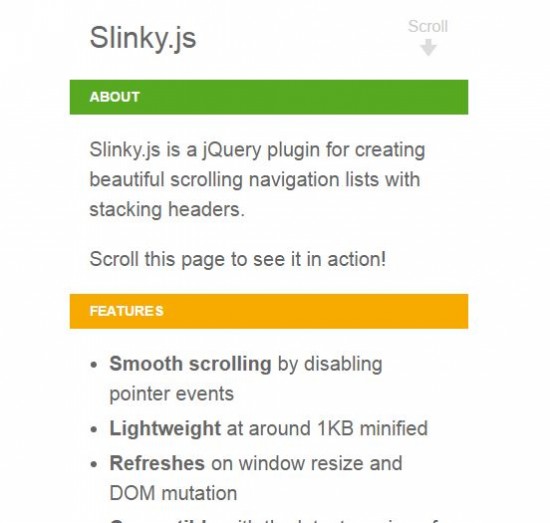
2. Slinky.js
An impressive way of creating a memorable navigational menu. It combines the power of jQuery and stacking headers to create the beautiful responsive navigational menu.
You can see the demo on their home page.
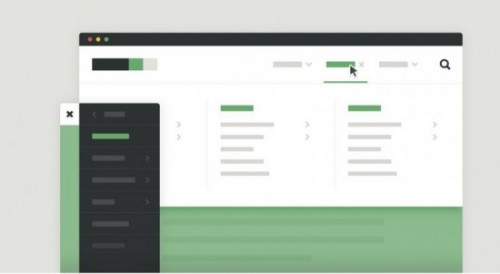
Mega-Site Navigation is great for websites who are looking to add side navigation. The navigation becomes an important part of the website. The plugin uses CSS animations to achieve the desired result.
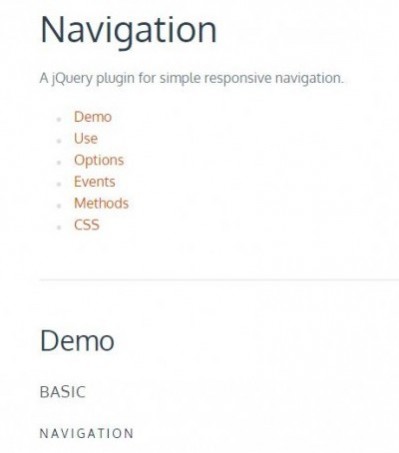
4. Naver
Naver is the part of the Formstone library, which is composed of tons of reusable components. The biggest part of the library is related to jQuery and Naver provides the right way to create an interactive jQuery navigational menu.
5. SlickNav
SlickNav is one of best ways to create navigational menus using jQuery. The SlickNav plugin offers tons of features including multi-level menu support, cross-browser compatibility, responsive support and more.

6. SlimMenu
Looking for a light-weight menus? Then, slimMenu is what makes the plugin the best way to create the most impressive navigational menu. The size of the plugin is only 5 KB(2.5 KB).
7. Menu Aim
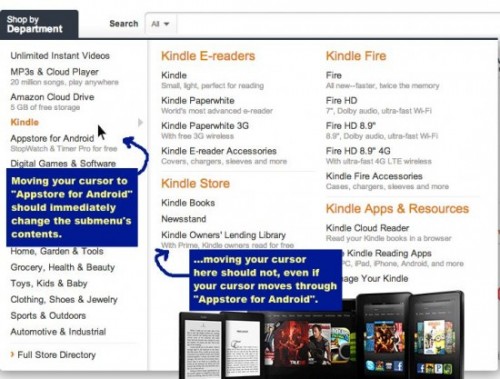
Menu Aim is yet another jQuery navigational menu that works great for the websites. It can create a wonderful experience for the visitors and ti can also differentiate between hover over a drop-down item.
A great plugin for JavaScript plugins.
8. Flaunt.js
Responsive navigational menus are hard to create. With the flaunt.js plugin, you can easily create navigational menus that build upon the core of jQuery. With less code, you can easily complete the navigational menu.
9. FlexNav
FlexNav is an amazing way of creating navigational menus. It is based on jQuery and you can easily be done with the navigation in no time.
The plugin is mobile ready and supports media queries. So, you don’t have to look for different plugin for creating a the powerful navigational menu.
Wrap Up
Today, we went through the 9 Top jQuery Plugins for Dropdown Navigation Menus. These navigational menus are handpicked and can work in any circumstances.
Do you think, I missed an awesome navigational menu or have anything to add to the new navigational menu? Comment below and let us know.